
Rhythm games for keyboard and controller can feel wildly different even in the same title, and most frustration comes down to input feel, latency, and how a game maps notes to your hands.
If you have ever thought “I’m on beat but the game says I’m late,” you are not alone. Sometimes it’s timing windows, sometimes it’s your display path, sometimes it’s simply that a game was designed around one input style and only supports the other on paper.
This guide helps you pick games that actually work well on both inputs, then set them up so they feel fair. I’ll also call out common traps like Bluetooth lag, mismatched refresh rates, and key rollover issues that quietly ruin scores.
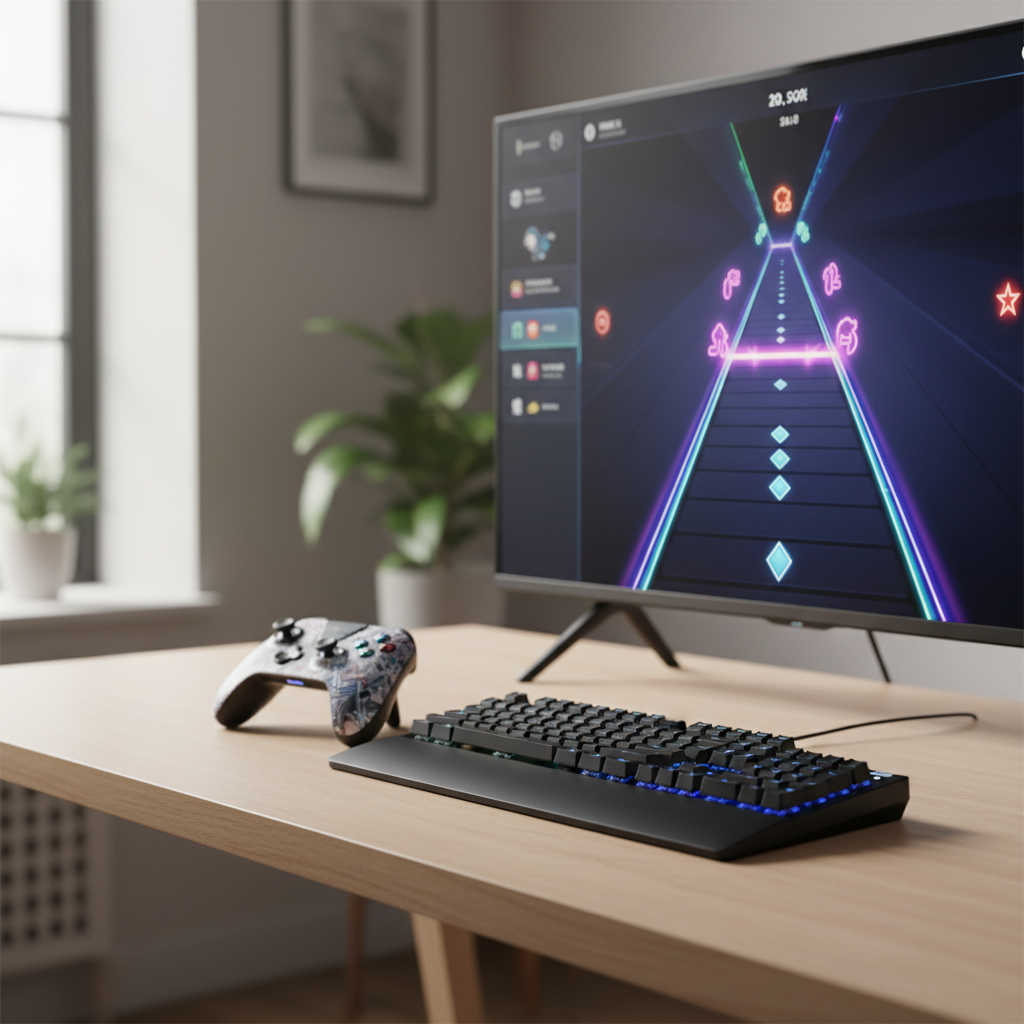
What “good controls” means in a rhythm game
In rhythm games, “controls feel good” usually means two things: your inputs register consistently, and the game’s timing feedback matches what you hear and see. If either wobbles, you start second-guessing your rhythm.
- Low and stable latency: not just “fast,” but predictable. A steady 35 ms often feels better than a jumpy 15–60 ms.
- Comfort over long sets: keyboard can strain wrists if the layout forces awkward reaches, controllers can fatigue thumbs on dense patterns.
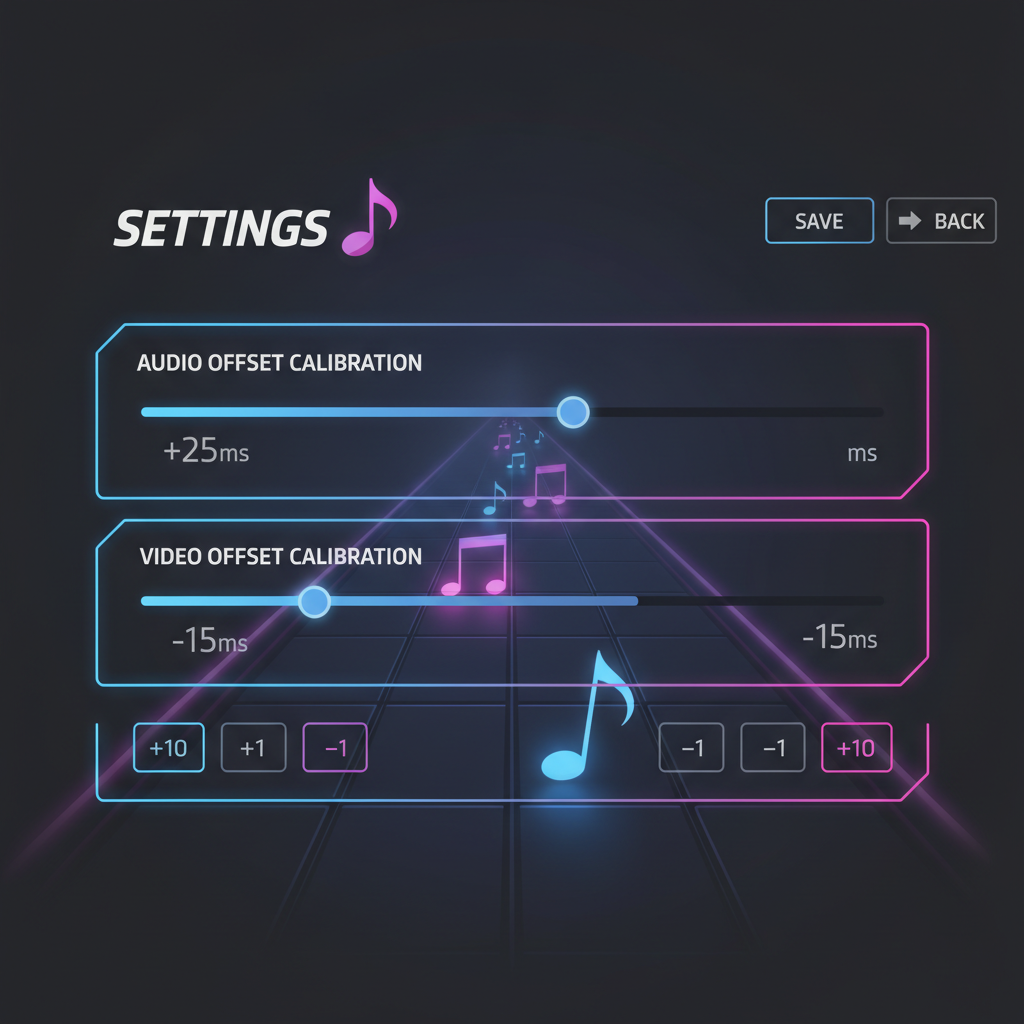
- Clear timing calibration: the game lets you adjust audio/video offset, and the setting actually sticks per device.
- Sensible mapping: lanes and actions align with natural finger placement, not a random default that you must fight.
According to Microsoft (Xbox Support), using a wired controller connection can reduce input delay compared with wireless in some setups. That advice is not “rhythm-game specific,” but it tends to matter more here because timing tolerance is tight.
Keyboard vs controller: strengths, trade-offs, and who each suits
Keyboard tends to reward precision and fast alternating patterns, especially in lane-based games. Controller often shines in stick or trigger-based systems, plus it’s more relaxed on the couch. But the best choice depends on the chart style and your setup.
Keyboard tends to feel better when…
- You play 4K/6K/7K lane styles (four to seven columns of notes) and need independent fingers.
- You want consistent actuation and quick repeats, especially with a decent mechanical switch.
- You like custom keybinds per song difficulty, or you swap layouts often.
Controller tends to feel better when…
- The game is designed around sticks, triggers, or face buttons rather than many separate lanes.
- You want portability and a consistent feel across PC and console.
- You prefer ergonomic grip for longer sessions, especially in “dance” or “band” style rhythm games.
A practical note: if you share a living room TV, controller play is more forgiving. Keyboard play can still work, but only if your display latency stays low and you can sit close enough to keep audio/visual alignment feeling natural.
Quick compatibility check: is a game truly friendly to both inputs?
Plenty of listings say “Full Controller Support,” then the menu works but gameplay feels off. Before you commit time, run a short checklist.
- Does it offer per-device calibration? Ideally separate offsets for controller vs keyboard.
- Can you remap everything? Some games let you remap lanes but not “special” actions.
- Does it show hit timing feedback? Early/late indicators help you fix setup issues fast.
- Does it support your platform cleanly? Steam Deck, Windows, console, and macOS often behave differently.
- Are there consistent community settings? Not for copy-pasting blindly, but as a sanity check.
If you get through 2–3 songs and your misses feel “random,” treat that as a setup signal, not a skill verdict.
Recommended rhythm games that work well on keyboard and controller
Below is a practical snapshot, not a definitive ranking. Availability, song packs, and input support can shift by platform and updates, so treat it as a shortlist to research rather than a promise.
| Game | Best on | Why it works for both | Watch for |
|---|---|---|---|
| osu! (standard & mania) | Keyboard | Strong key mapping options; mania lanes feel natural on keys | Controller support varies by setup; community-focused configs |
| DJMAX RESPECT V | Keyboard | Purpose-built lane modes; controller can still work for casual play | Dense charts can fatigue thumbs on controller |
| Muse Dash | Either | Simple input scheme translates well to keys or buttons | Visual clutter for some players, tune your effects |
| Geometry Dash (rhythm platformer vibe) | Either | One-button timing makes keyboard/controller both viable | Not a traditional note highway, more pattern memory |
| Taiko no Tatsujin (platform dependent) | Controller | Button drumming feels intuitive; keyboard mapping can work | Some versions feel better with dedicated drum controller |
If your goal is competitive accuracy, lane-based modes usually favor keyboard. If your goal is party play or relaxed sessions, controller-first games often feel less “technical” without being less fun.
Setup that actually improves accuracy (especially if hits feel late)
Most “I can’t time anything” issues get resolved by a boring trio: wired connections, calibration, and display settings. Do these before you grind practice charts.
1) Reduce avoidable latency
- Prefer wired: USB for controllers, direct keyboard connection, avoid hubs when possible.
- Avoid Bluetooth for serious scoring: it can be fine casually, but it often adds delay and jitter.
- Use Game Mode on TVs: many TVs add processing that looks great for movies and feels terrible for timing.
2) Calibrate the game, then verify
- Run the built-in calibration, then play a simple song you know well.
- If you are consistently early or late, adjust offset in small steps and retest.
- Keep separate profiles if you swap between keyboard and controller.
3) Match frame rate and refresh rate expectations
- Try stable FPS over max FPS. A locked, steady frame time helps your brain more than spikes.
- If you can, use a monitor with low input lag for tight timing games.
According to NVIDIA (GeForce documentation on display settings and latency topics), system latency is influenced by the entire pipeline, including display behavior and settings. You do not need to chase exotic tweaks, but you do want consistency.
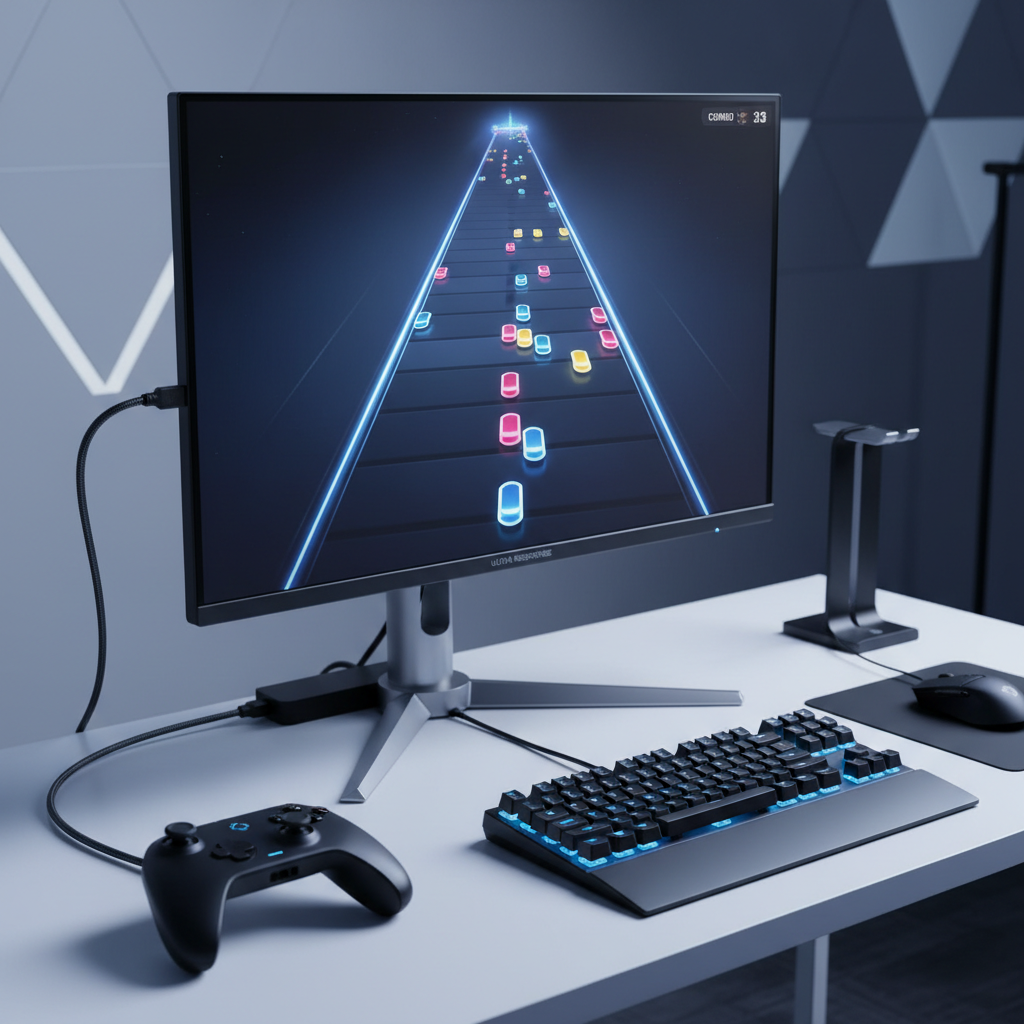
Common mistakes that make rhythm games feel “unfair”
A lot of players keep changing keybinds or blaming timing windows when the real issue sits outside the game. A few patterns show up again and again.
- Playing on a TV without Game Mode: motion smoothing and image processing can add noticeable delay.
- Using wireless audio: Bluetooth headphones may introduce audio lag, which confuses your timing even if inputs are fine.
- Over-tight timing goals too early: pushing hardest difficulty before you have stable calibration turns practice into frustration.
- Ignoring key rollover: some keyboards struggle with many simultaneous presses; it shows up as dropped notes in lane games.
- Mixing audio paths: soundbar plus TV speakers, or software “enhancements,” can desync cues.
If you fix one thing, fix your audio path. Wired headphones straight from the PC or console controller often give the cleanest, most consistent cue, though comfort and hearing safety still matter, keep volume reasonable and consider breaks.
When to ask for help (or at least stop troubleshooting alone)
If you have done wired input, enabled Game Mode, calibrated offsets, and the game still feels inconsistent, it may be time to get more specific.
- PC stutter or frame pacing issues: a performance overlay can reveal spikes that your eyes miss.
- Driver or controller firmware quirks: some controllers behave differently across Steam Input, native drivers, and console modes.
- Accessibility or pain concerns: if playing triggers wrist/thumb pain, consider different layouts, lighter switches, or adaptive controllers, and consult a medical professional if symptoms persist.
For game-specific issues, the most efficient place is often the official support page or a well-moderated community hub that documents current patch behavior. You are looking for reproducible steps, not “works for me” arguments.
Key takeaways and what to do next
If rhythm games for keyboard and controller keep feeling inconsistent, assume your setup deserves a quick audit before you assume your timing is the problem. Wired connections, correct display mode, and calibration solve more than people want to admit.
- Pick the right input for the chart style: lane-heavy modes favor keyboard, stick/button-focused games often favor controller.
- Stability beats hype: steady FPS, consistent audio, and predictable latency make practice stick.
- Calibrate per device: swapping inputs without rechecking offset is a quiet score killer.
Action idea: pick one game from the table, run a 10-minute calibration and verification session, then stick to one input method for a week. Your accuracy improves faster when your brain stops relearning the feel every night.
FAQ
What are the best rhythm games for keyboard and controller on PC?
Games with strong remapping and calibration tend to translate best. Titles with simple input schemes can feel great on either, while lane-dense modes often remain more comfortable on keyboard.
Why does my timing feel late even when I hit on the beat?
It is often audio or display latency, not your sense of rhythm. Try Game Mode, wired audio, and recalibrate offset, then test on an easy chart to confirm the direction of error.
Is Bluetooth controller fine for rhythm games?
Sometimes, especially for casual play, but Bluetooth can add delay or inconsistency depending on environment and hardware. If you are chasing scores, wired tends to remove a whole category of uncertainty.
Should I use a mechanical keyboard for lane-based rhythm games?
A mechanical board can help with consistent actuation, but it is not required. The bigger factor is reliable multi-key input and a layout that keeps your wrists relaxed.
Do rhythm games play better on a monitor than a TV?
Often yes, because many monitors have lower input lag and fewer processing steps. A TV can still work well if it has a good Game Mode and you keep the signal path simple.
How do I choose between keyboard and controller for the same game?
Match the input to what the game asks from your hands. If you see independent lanes and fast alternation, keyboard usually wins; if you see sticks, triggers, or small button counts, controller may feel more natural.
What if a game says it supports controller but gameplay feels awkward?
That usually means the game supports it technically but was balanced around another input. Try full remapping, check if timing calibration is per-device, and look for community-recommended layouts for that title.
If you are trying to build a small library of rhythm games for keyboard and controller without wasting hours on bad-feeling setups, a simple approach is to shortlist 3 titles, test each for 20 minutes with the same calibration routine, then keep the one that feels consistent before you buy extra song packs or DLC.