
nintendo switch battery life tips usually come down to two things: reducing what the console has to power, and avoiding habits that wear the battery out over time.
If your Switch seems to drop from 60% to 20% “out of nowhere,” you are not alone, most people notice it most when they start playing brighter, louder games, use wireless accessories, or leave the console in sleep mode for long stretches.
This guide focuses on practical changes you can make today, plus a few longer-term battery care habits that tend to matter more than people expect. I’ll also point out when faster drain is normal, and when it starts looking like a battery that needs service.
Why Switch battery life drains faster than you expect
Battery life is not a fixed promise, it moves with your settings, your game, and how the hardware cools itself. A demanding 3D title, higher brightness, and loud speakers can stack up quickly.
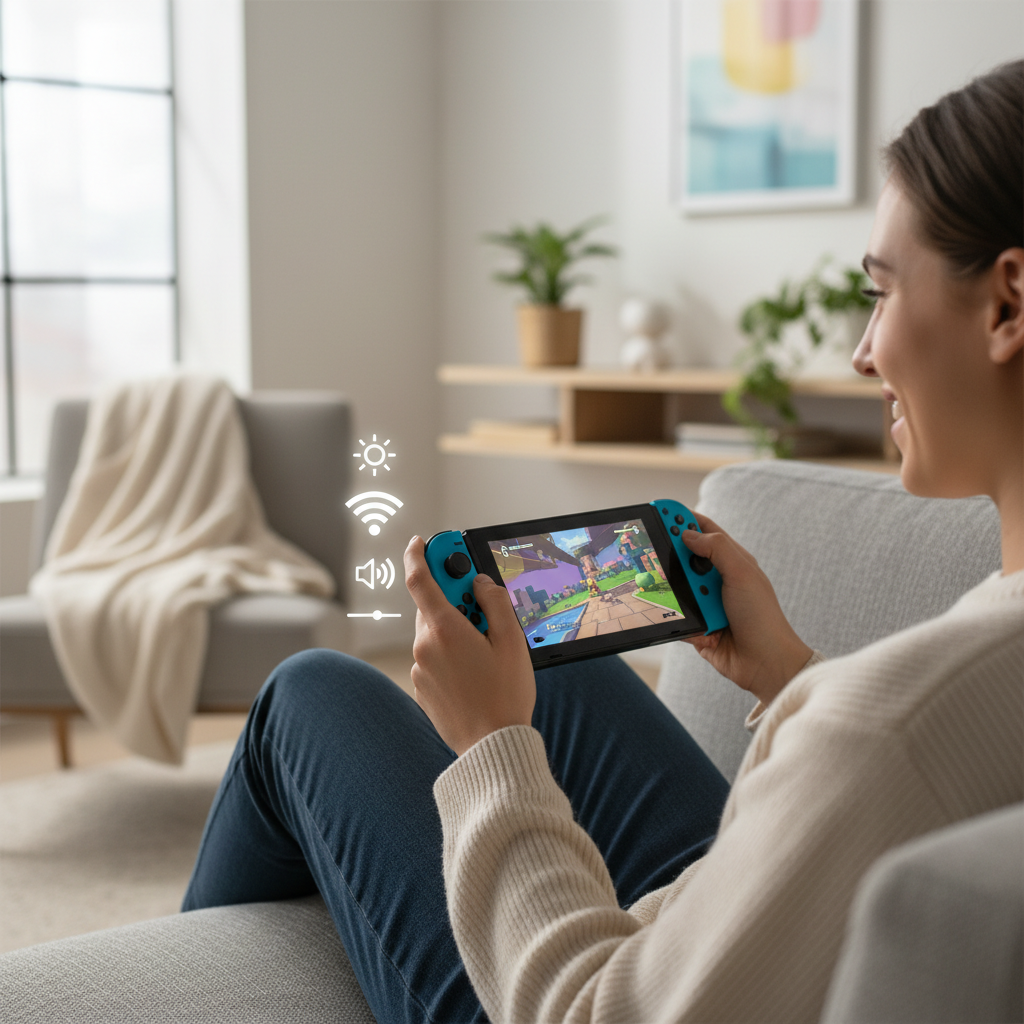
Here are the most common real-world causes:
- Screen brightness stays high even indoors, the display is one of the biggest power draws in handheld mode.
- Wireless activity (Wi‑Fi, Bluetooth audio, online play) keeps radios working in the background.
- Game workload varies a lot, some titles push the GPU and CPU harder, which also increases fan use.
- Heat makes the system work harder to stay stable, and heat also tends to accelerate battery aging.
- Battery age matters, rechargeable lithium-ion batteries lose capacity over time, even with “good” habits.
According to Nintendo Support, battery life varies by system model and by the software being used, so comparisons between friends can be misleading unless you play the same game under similar settings.
Quick self-check: is your battery behaving “normal”?
Before you change a bunch of settings, do a quick reality check. Many “battery problems” turn out to be a specific game, a hot room, or a brightness setting stuck at max.
- Model check: Original Switch, updated Switch (better battery), Switch Lite, and OLED do not all run the same length.
- Test the same game: Use one title for your comparison, open-world games often drain faster than 2D indies.
- Same conditions: Similar brightness, volume, Wi‑Fi on/off, and similar room temperature.
- Sleep drain check: Put it in Sleep Mode at 80–90%, come back after 12–24 hours and see the drop.
If your battery percentage drops in big jumps, or the console shuts off at 20–30%, that starts to look less like “normal drain” and more like calibration or battery wear.
High-impact settings that extend handheld playtime
If you want the highest return with minimal effort, start here. These nintendo switch battery life tips are the ones that typically make a noticeable difference within one play session.
1) Tune the screen and sleep behavior
- Lower brightness until it feels comfortable for the room, many people can drop 20–40% without hurting visibility.
- Turn off Auto-Brightness if it keeps overshooting in bright rooms, or turn it on if you forget to adjust manually.
- Shorten Auto-Sleep for Handheld and for TV mode, it prevents “I left it paused for an hour” drain.
2) Reduce wireless and background activity
- Use Airplane Mode for offline single-player, then manually re-enable Wi‑Fi when needed.
- Disconnect Bluetooth audio if you do not need it, Bluetooth can add steady overhead during long sessions.
- Pause downloads during handheld play if you notice heat and fast drain, background downloading can keep the system busy.
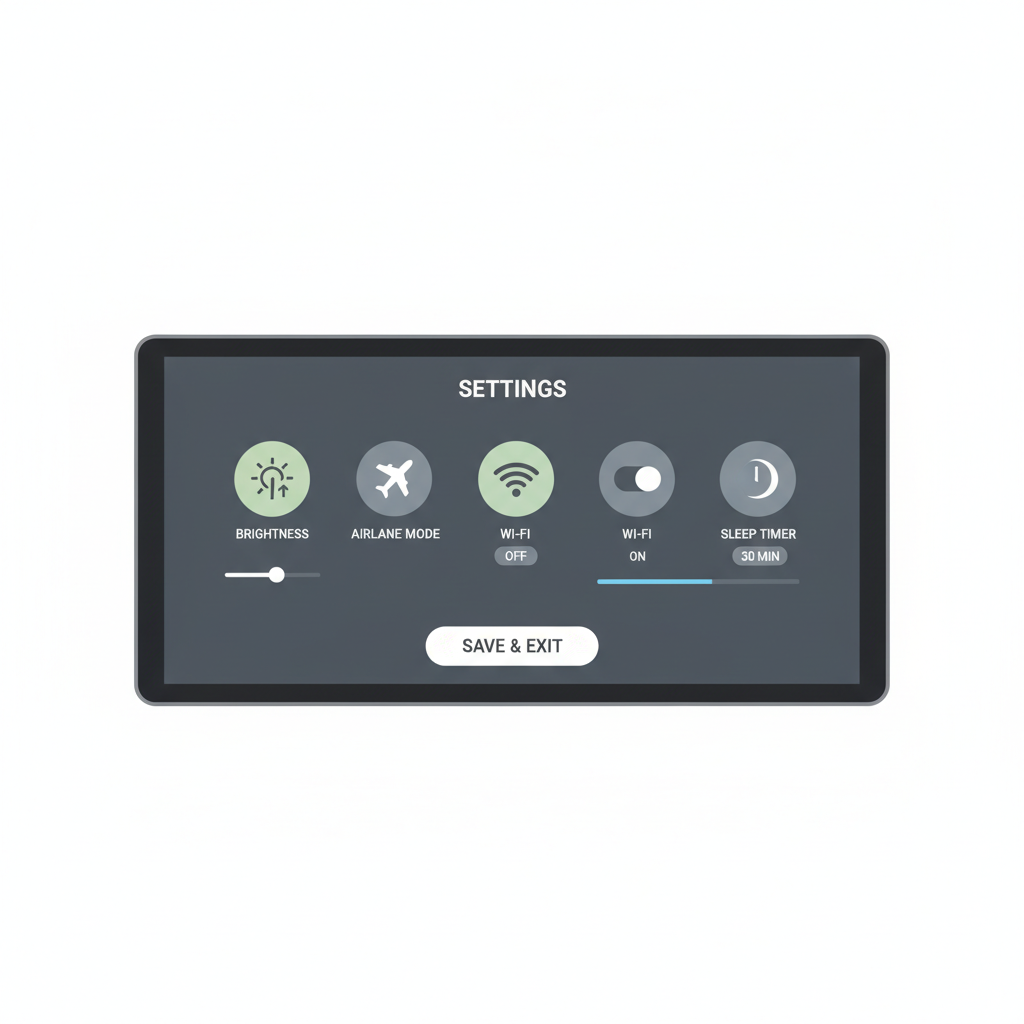
3) Manage volume and vibration
- Lower speaker volume, it is not the top drain source, but it adds up.
- Reduce controller rumble if you play handheld with Joy‑Cons attached, vibration motors draw power.
Key takeaway
Brightness + wireless + demanding games is the most common “triple hit” behind fast drain. Fix those three before buying anything.
Charging habits that protect battery health (without overthinking it)
A lot of battery advice online gets intense fast. In practice, you want fewer heat-heavy charging sessions and fewer deep discharges, while keeping your routine easy enough to follow.
According to Battery University, lithium-ion batteries tend to experience less wear when you avoid frequent full discharges and reduce heat exposure during charging and use.
- Avoid playing demanding games while charging when possible, it can increase heat, especially in warm rooms.
- Try not to run to 0% every time, occasional deep drains happen, but making it your norm can speed up wear.
- Use a reputable USB-C charger that follows USB Power Delivery, cheap adapters can cause unstable charging or excess heat.
- Let it cool if it feels hot to the touch, charging a hot device is where batteries often take the biggest hit.
If you dock often, do not panic about “always at 100%.” Many devices manage charging intelligently, but heat still matters, keep the dock ventilated and avoid enclosing it in tight spaces.
Accessories and play style: what actually helps
Some add-ons help in specific situations, others just shift the problem around. Here is the realistic view.
Power banks (the right way)
A good PD power bank can be the simplest way to extend sessions on the go. Look for USB-C Power Delivery support and enough output to keep the console stable during play.
- Prefer PD-capable banks from known brands, stable output matters more than the biggest mAh number.
- Use a quality USB-C cable, poor cables waste power and sometimes cause disconnects.
- Keep the Switch cooler, charging inside a bag while playing can trap heat.
Headphones vs speakers
Wired headphones can reduce speaker power use, but if you switch to Bluetooth, you trade speaker draw for Bluetooth overhead. This is one of those “it depends” cases.
Docked play as a battery break
If you can, mix in docked sessions. You still generate heat, but you stop relying on the internal battery for runtime, which can slow down the feeling of “my battery gets worse every month.”
Troubleshooting fast drain: a practical workflow
If your Switch battery feels off, do not change ten variables at once. Use a small workflow so you can tell what worked.
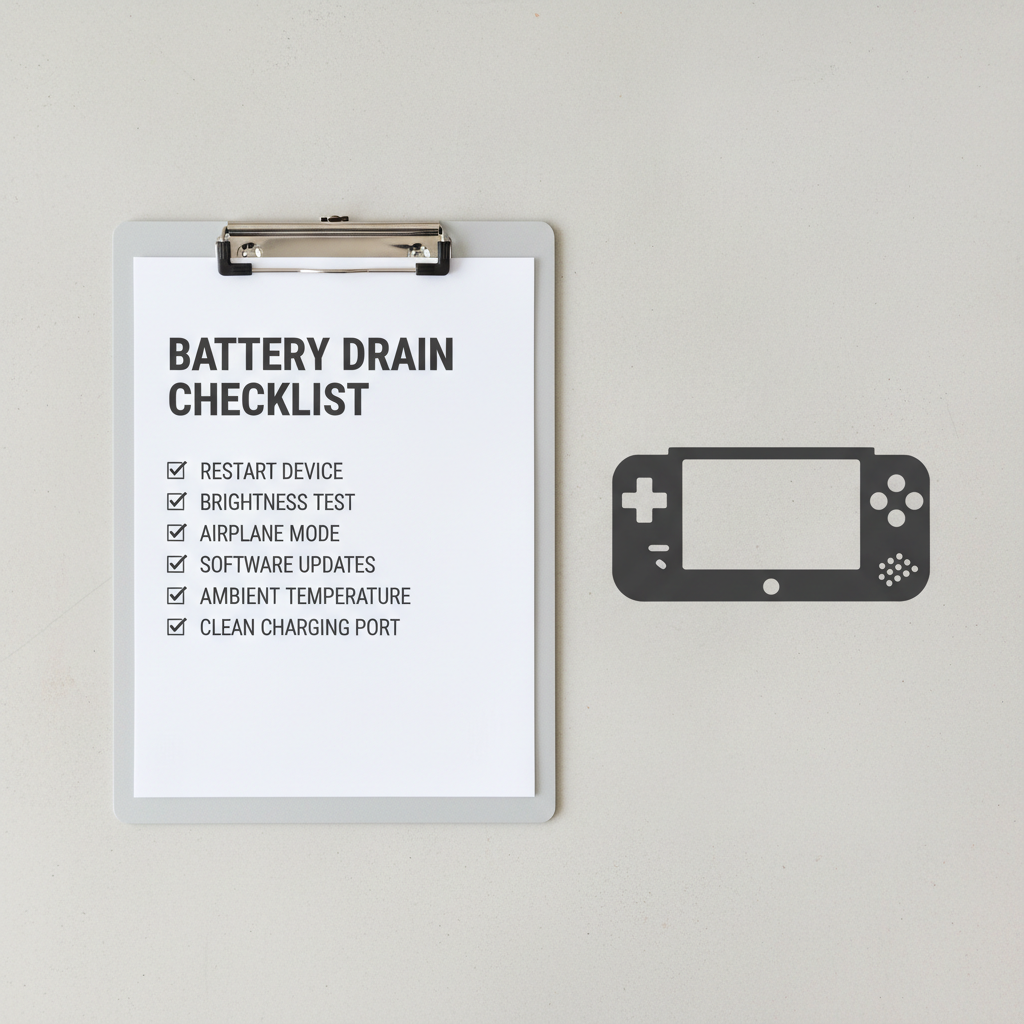
- Step 1: Restart the console, not just Sleep Mode, small glitches sometimes cause extra drain.
- Step 2: Test one game for 30–60 minutes at a fixed brightness and volume, note the percentage drop.
- Step 3: Repeat with Airplane Mode on, compare results.
- Step 4: Check for system updates and game updates, power management improvements do show up sometimes.
- Step 5: Watch for heat patterns, if the fan runs hard in simple menus, that is a clue.
Common mistakes that waste battery (and time)
Some habits feel “helpful” but do little, others can backfire by adding heat or instability.
- Max brightness by default, even when you are indoors and close to the screen.
- Leaving downloads running while you play handheld, the console stays busier and warmer.
- Using sketchy chargers or docks, power delivery issues can cause extra heat and weird charge behavior.
- Assuming percentage equals real capacity, battery calibration can drift, the meter may be wrong even if the battery is OK.
One more thing people overlook, if you store the Switch for weeks, storing it fully empty or fully full is not ideal in many cases, moderate charge and a cool place tends to be safer.
When you should consider repair or support
At a certain point, settings tweaks stop helping. If you see these signs repeatedly, it may be time to talk with Nintendo Support or a qualified repair shop.
- Sudden shutdowns at 10–30% remaining.
- Battery swelling or case bulging, stop using it and seek professional help promptly.
- Overheating warnings in normal gameplay, especially in a cool room.
- Very high sleep drain even after a restart and with no downloads running.
According to Nintendo Support, their official troubleshooting and service options vary by region and warranty status, so it is worth checking your console’s serial and coverage before paying out of pocket.
Battery-saving cheat sheet (settings vs impact)
If you want a quick reference, this table is the “do these first” list. The impact level is practical guidance, not a promise, because games and conditions vary.
| Tip | Best for | Likely impact | Trade-off |
|---|---|---|---|
| Lower screen brightness | Handheld play | High | Dimmer screen |
| Airplane Mode for offline games | Commuting, travel | Medium to high | No online features |
| Shorter Auto-Sleep time | Quick breaks | Medium | More wake-ups |
| Pause downloads while playing | Big game updates | Medium | Updates take longer |
| Avoid hot charging while playing | Battery health | Medium (long-term) | Less “play while charging” |
Conclusion: a realistic plan you can stick with
If you take only a few moves from these nintendo switch battery life tips, make them the boring ones that work: set brightness lower, use Airplane Mode when you do not need online features, and avoid heat-heavy charging sessions.
Tonight, pick one game and run a controlled test for 30 minutes, then change just one variable and test again. That small bit of structure saves you from guessing, and it makes it easier to tell whether you need settings tweaks, a power bank, or actual service.
FAQ
What is the fastest way to improve Switch battery life in handheld mode?
Lowering screen brightness is usually the quickest win, then consider Airplane Mode for offline games. Those two changes often beat “buy a new accessory” in terms of effort-to-result.
Do certain games drain the battery much faster?
Yes, in many cases. Graphically demanding 3D games tend to push the CPU/GPU harder, which increases power use and fan activity, lighter 2D games often run longer under the same settings.
Is it bad to leave the Nintendo Switch docked all the time?
For many people it is fine, but heat is the bigger concern than docking itself. If your dock area stays warm or poorly ventilated, consider improving airflow, especially during long sessions.
Can a power bank damage a Switch?
A reputable USB-C Power Delivery power bank is generally the safer choice. Problems are more likely with cheap chargers, off-spec cables, or unclear PD support, when in doubt, use well-known brands and avoid no-name adapters.
Why does my battery percentage jump or drop suddenly?
That can happen when the battery meter loses calibration or when the battery has aged. If it repeats often and you see shutdowns above 0%, it is reasonable to consider official troubleshooting or service.
Does turning on Airplane Mode help even if I am not online?
Often, yes. It disables wireless radios that might otherwise stay active, but if your game needs internet checks or you use wireless audio, the trade-off may not be worth it.
How do I know if I need battery replacement?
If you get frequent unexpected shutdowns, very short runtime under light games, or physical signs like swelling, that points beyond normal wear. In those cases, contacting Nintendo Support or a qualified repair provider is the safer path.
If you are trying to extend runtime for travel or long commutes and you want a lower-effort setup, a PD-capable power bank plus a quick settings checklist can be a clean solution, and it avoids the cycle of constantly micromanaging brightness and sleep timers.