
Wireless gaming headset with long battery is usually the fix people look for after the same annoying moment: you’re mid-queue or mid-fight, the low-battery beep hits, and you either plug in a cable or swap to earbuds and lose your groove.
The tricky part is that “long battery” on a product page does not always match real-life use, because volume, mic monitoring, RGB, Bluetooth mixing, and even the wireless codec can change runtime more than most buyers expect.
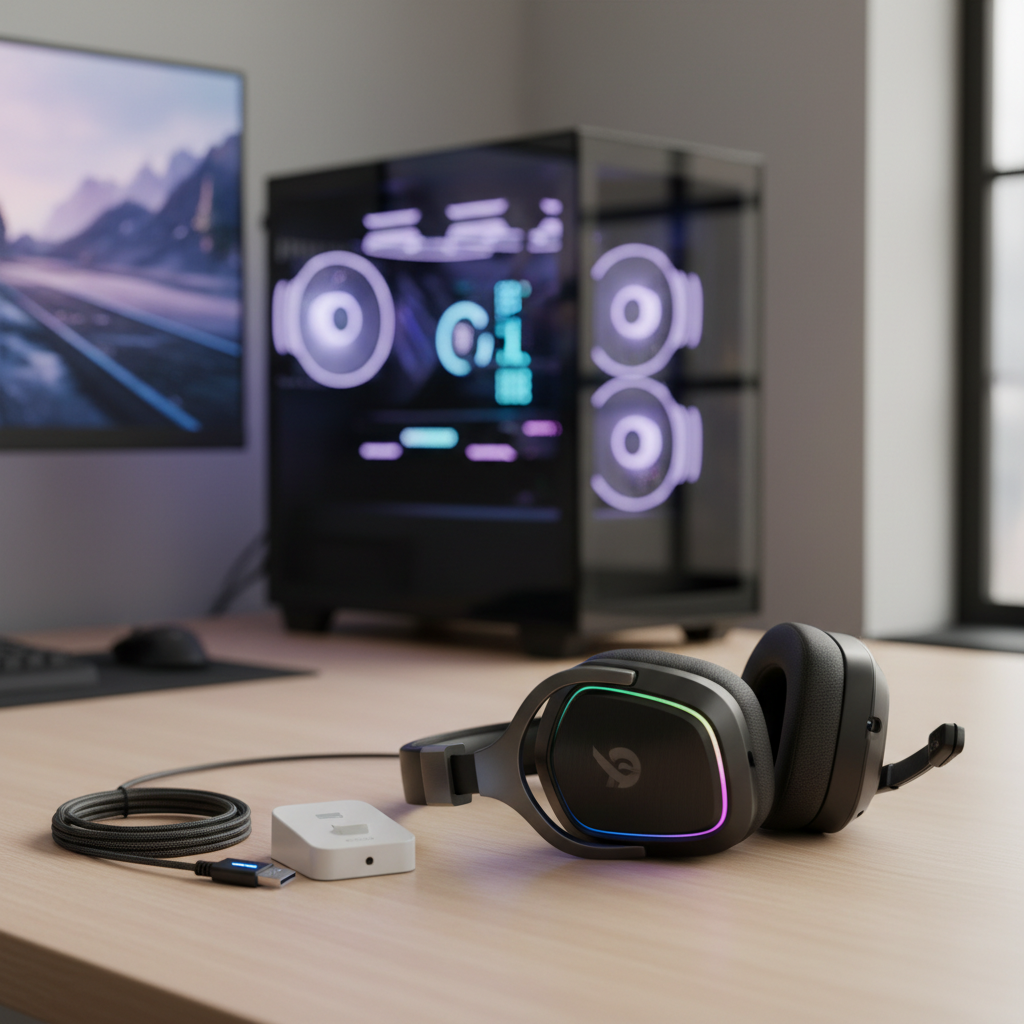
This guide breaks down what actually drives battery life, how to sanity-check marketing claims, and what to prioritize if you want fewer charging nights and more uninterrupted sessions.
Why “long battery” varies so much in real use
Two headsets can both claim big numbers and still feel very different week to week. A lot depends on how the headset spends power, not just the battery size.
- Volume level and EQ: higher volume and bass-heavy EQ often draw more power.
- 2.4GHz vs Bluetooth vs dual-wireless: 2.4GHz dongles tend to be stable for gaming, Bluetooth can be efficient, and running both at once can drain faster.
- Active features: sidetone (mic monitoring), active noise canceling, spatial processing, and RGB lighting can reduce runtime.
- Mic behavior: a hot mic, aggressive noise suppression, and always-on monitoring can add load.
- Battery age and charge habits: lithium batteries typically lose capacity over time. According to Apple Support, lithium‑ion batteries’ capacity diminishes with battery age and use, which is a good general reality check even outside phones.
So if you’re hunting a wireless gaming headset with long battery, the best approach is to think in “your settings” rather than “their lab test.”
Specs to focus on (and the ones that mislead)
Spec sheets help, but only if you read them with the right filters. Some lines matter a lot, others are basically marketing decoration.
What usually matters
- Rated battery life with mode details: look for separate numbers for 2.4GHz, Bluetooth, and dual mode.
- Charging method and time: USB‑C is common now, but charge speed varies, and some models support “play while charging” better than others.
- Replaceable ear pads and parts: not a battery spec, but it affects whether you’ll keep the headset long enough for battery aging to matter.
- Battery indicators: multi-step LEDs or app percentage beats a vague single light.
What often misleads
- “Up to” runtime: it may assume low volume, no sidetone, no RGB, and ideal temperature.
- Driver size: bigger drivers can sound great, but size alone does not guarantee longer battery.
- Latency claims without context: great to have, but it’s not automatically tied to battery life.
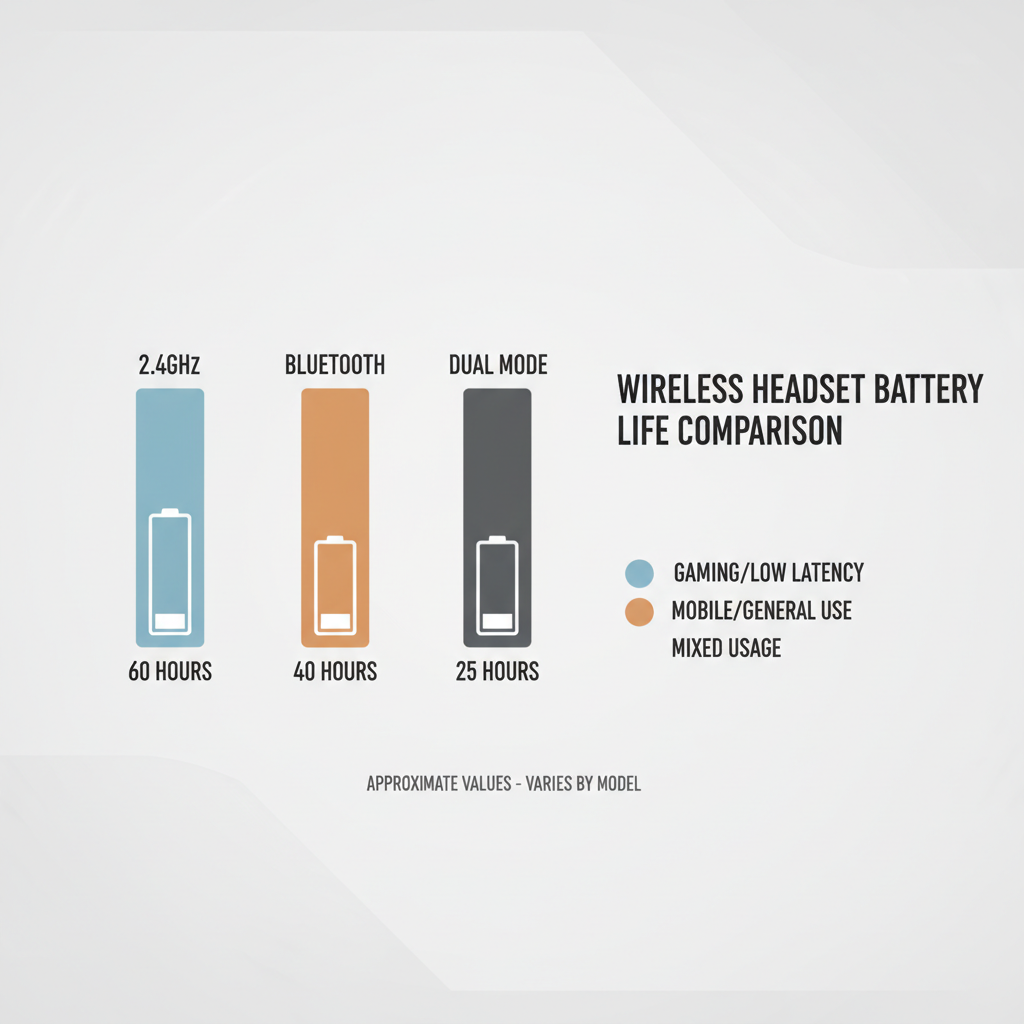
A simple rule: if the listing doesn’t say which mode the battery claim refers to, treat it as a best-case headline, not a promise.
Quick self-check: what kind of battery problem do you have?
Before you buy anything, you want to be honest about what’s actually failing you. The “right” long-battery headset for an 8-hour weekend session is different from one meant for daily work calls plus nighttime gaming.
- It dies mid-session: your baseline runtime is too short for your typical play window.
- It lasts, but anxiety is constant: battery indicator is unclear, or the warning beep comes too late.
- It drains faster than it used to: battery aging, firmware changes, or a feature you turned on recently.
- It only drains fast in dual mode: Bluetooth mixing or simultaneous connections are the culprit.
- It “won’t hold charge” after months: could be battery wear, but also cable/port issues or a buggy power state.
If you’re in the “drains faster than it used to” bucket, it’s worth troubleshooting before shopping, because the fix is sometimes a setting, not a new headset.
How to estimate real battery life before you buy
You won’t get perfect certainty online, but you can get close enough to avoid the most common disappointments.
- Read reviews for your platform: PC, PS5, Xbox, and Switch behaviors can differ, especially around dongles and power management.
- Look for volume references: reviews that mention “50% volume” or “near max” give more usable context.
- Check whether sidetone/ANC/RGB was on: those features can quietly cut hours off.
- Prefer testing over impressions: “lasts all week” depends on someone’s week, while “lasted 18 hours at 60% volume” is actionable.
According to the Federal Trade Commission (FTC), consumers should look for clear, non-deceptive advertising claims; in practice, that means treating vague battery statements cautiously and relying more on detailed mode-by-mode disclosures and credible testing.
Buying guide: match headset features to your routine
This is the part most lists skip: long battery alone is not enough. You want long battery with the right workflow, so charging and switching modes stay frictionless.
Use-case recommendations
- Competitive gaming nights: prioritize 2.4GHz stability, clear battery percentage, and comfortable clamp force; you can live without RGB.
- Work calls + gaming: consider dual wireless or fast Bluetooth switching, plus a mic that stays clean without cranking processing.
- Living room / console: check range through walls, dongle compatibility, and whether the headset sleeps reliably.
- Travel + Steam Deck/Switch: Bluetooth plus wired fallback can be more useful than a bulky dongle-only model.
Feature trade-off table (quick scan)
| Priority | What to look for | What to avoid | Why it matters |
|---|---|---|---|
| Longest runtime | High rated hours in your main mode, RGB off option | Always-on lighting, vague “up to” claims | Extra features often shave hours quietly |
| Low stress charging | USB-C, clear battery %, usable while charging | Proprietary cables, slow charge with no indicator | You’ll actually keep it topped up |
| Mixed devices | Reliable dual connectivity, easy switching | Dual mode with no separate battery rating | Dual mode can drain faster than expected |
| Long-term ownership | Replaceable pads, warranty clarity, firmware support | Hard-to-service designs | Battery aging is real, support becomes important |
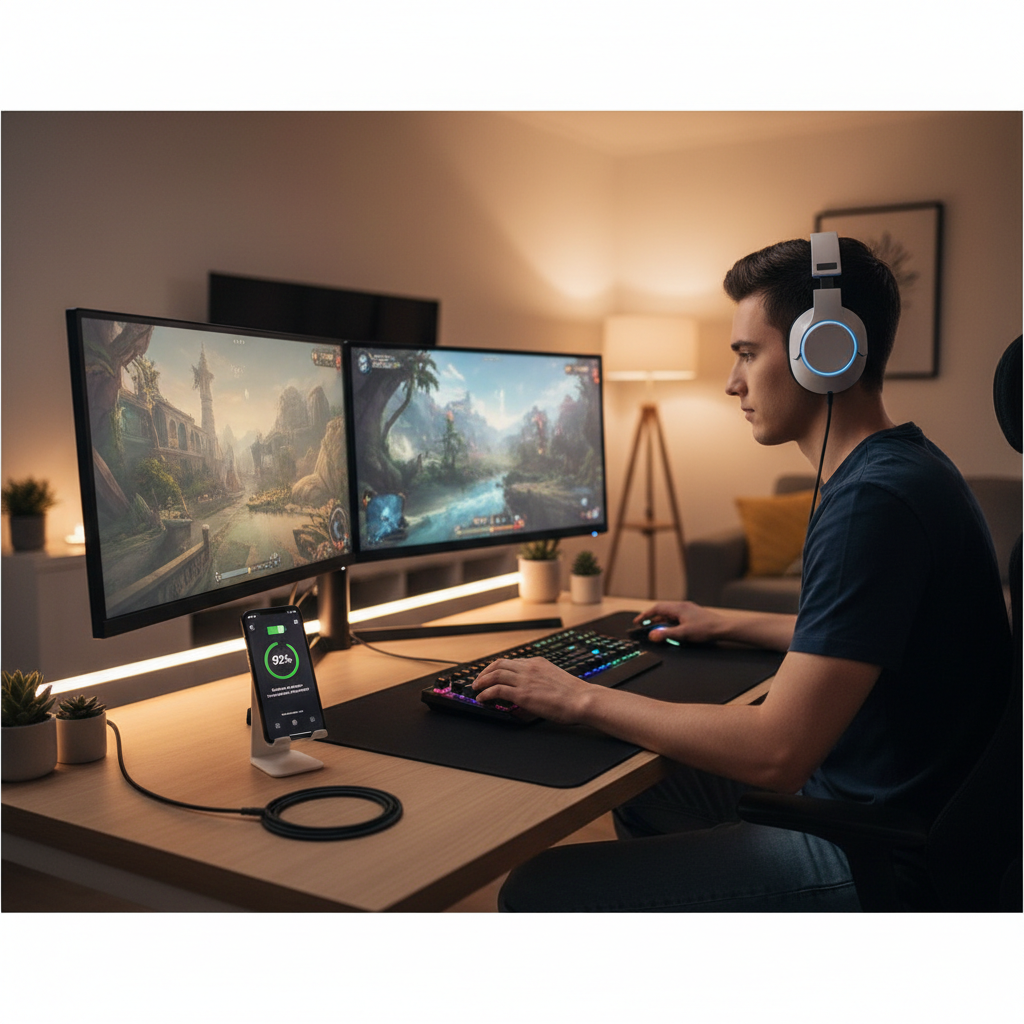
If your main goal is a wireless gaming headset with long battery, don’t ignore comfort. A headset you remove every hour because it clamps too hard still “loses” time, just in a different way.
Practical tips to get more hours from the headset you already own
Sometimes the cheapest upgrade is turning off the one feature you don’t really care about. These steps tend to work across brands.
- Disable RGB and extra effects: if you never look at your headset, make it earn its power budget elsewhere.
- Lower sidetone: mic monitoring can be handy, but many people run it louder than needed.
- Use the right mode: if you’re on PC and don’t need phone mixing, 2.4GHz-only often lasts longer than dual mode.
- Update firmware carefully: updates can fix sleep bugs, but if an update changes battery behavior, consider checking brand support notes.
- Store it smart: avoid heat, and don’t leave it at 0% for days, battery wear can accelerate.
Key point: if your headset has a reliable auto-sleep, make sure it’s enabled. A lot of “bad battery” complaints are really “it stayed awake overnight.”
Common mistakes that make “long battery” feel short
These are the patterns that show up again and again, especially when people mix gaming with Discord, console party chat, and phone calls.
- Running max volume to compensate for poor seal: glasses gaps or worn pads leak bass, so you crank volume and drain faster.
- Leaving Bluetooth connected all day: even idle connections can keep radios active in ways you don’t notice.
- Charging only when it dies: deep discharges now and then are not always catastrophic, but making it a habit can speed up wear in many cases.
- Assuming every USB port charges the same: some ports provide less power, so you think you charged fully, but you didn’t.
If you’re shopping, also watch out for comfort reviews that mention heat buildup. When you’re uncomfortable, you take more breaks, and the battery spec stops being the real limiter.
When it’s worth getting help (or replacing parts)
If the headset drains unusually fast, heats up, or shows inconsistent charging behavior, it may be more than normal battery aging. In those cases, it’s safer to pause the DIY guessing game.
- Warranty window: contact the manufacturer first if you’re still covered.
- Swollen battery signs: if you notice bulging, odd odors, or the headset creaking open, stop using it and seek professional service.
- Charging port damage: a loose USB-C port can mimic battery failure.
- Battery replacement: only attempt if the brand supports it; otherwise, a reputable electronics repair shop is a better route.
For battery handling and safety, it’s worth reading general lithium guidance. According to UL Solutions, lithium battery safety depends on proper charging, storage, and damage avoidance, which applies to headsets as much as larger devices.
Conclusion: what to prioritize if you hate charging
A wireless gaming headset with long battery is less about chasing the biggest “up to” number and more about picking a model that matches your mode, your volume habits, and how often you actually remember to charge. If you want a simple next step, write down your typical session length and whether you need dual connectivity, then pick a headset that clears your session length with room to spare, even with the features you’ll really use.
If you already own a headset that falls short, start by turning off power-hungry extras, confirming auto-sleep, and checking whether dual mode is quietly eating hours, those changes often feel like a free upgrade.
FAQ
How many hours counts as “long battery” for a wireless gaming headset?
Many people consider anything that reliably covers a full day of casual use “long,” but for gaming, it’s more practical to target a headset that lasts at least your longest typical session plus extra. If you play 4–6 hours at a time, a model that only hits that number in ideal conditions may still disappoint.
Does 2.4GHz wireless drain faster than Bluetooth?
It depends on the headset design, but Bluetooth can be more power-efficient in some scenarios. The catch is that Bluetooth may add latency or codec quirks for gaming, so many buyers accept slightly higher drain for 2.4GHz stability.
Will turning off RGB really make a difference?
Often, yes, especially on headsets that keep bright lighting on continuously. The exact savings varies by product, but if you’re trying to stretch runtime, RGB is usually one of the easiest features to cut without losing core performance.
Is “play while charging” safe for gaming headsets?
Usually it’s supported, but it can create more heat, and heat is not great for long-term battery health. If you notice warmth or inconsistent charging, it’s reasonable to charge during breaks or consult the manufacturer’s guidance.
Why does my headset battery drop faster on PlayStation or Xbox?
Platform differences can change how the dongle or power management behaves, and chat features may keep the mic and processing more active. Look for platform-specific testing and confirm you’re using the intended wireless mode for that console.
Do bigger ear cups or larger drivers mean better battery life?
Not automatically. Larger designs may have room for bigger batteries, but battery life is still shaped by electronics, radios, firmware, and which features run continuously.
Should I replace the battery or buy a new headset?
If the headset otherwise fits well and the brand supports battery service, replacement can make sense. If parts are hard to source, or you also want better mic quality and connectivity, a new model may be the more straightforward option.
If you’re trying to choose between a few models and want a more confident pick, it helps to list your must-haves like platform, dual connectivity, and minimum real session hours, then compare battery claims mode-by-mode instead of relying on a single headline number.