
best phasmophobia vr tips 2026 comes down to two things: staying comfortable in VR, and running a clean investigation loop so you stop losing evidence to panic and bad habits. If you feel like you’re always behind your squad, dropping gear, missing a ghost event, or getting motion sick right when it matters, you’re not alone.
Phasmophobia is already tense on flat screen, but VR adds extra friction: your body becomes the controller, your hands become your inventory, and stress makes simple actions feel clumsy. The good news is most “VR problems” are fixable with a handful of settings tweaks and a consistent way to move, carry, and communicate.
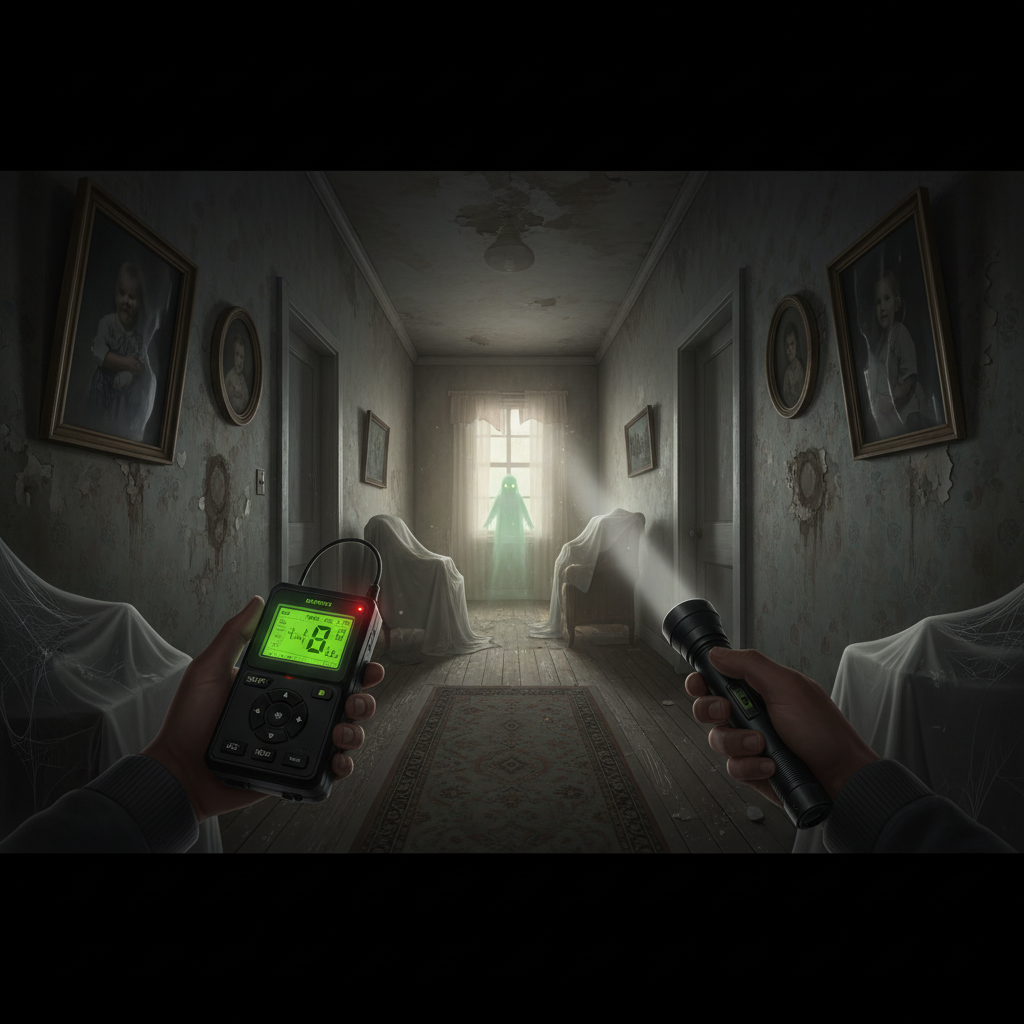
This guide focuses on what actually improves your win rate in VR: reliable movement, fast evidence handling, and team routines that work even when the ghost turns aggressive. You’ll also get a quick setup checklist, a role-based loadout table, and the small mistakes that quietly throw runs.
Dial in VR comfort settings before you “get good”
Comfort is performance in VR, especially in horror. If you’re fighting nausea, you’ll rush, and rushed investigations miss evidence. According to Meta (Quest platform comfort guidance), minimizing unexpected acceleration and using comfort options can reduce motion discomfort for many players.
Settings vary by headset and update, but the targets stay similar:
- Movement: If smooth locomotion makes you uneasy, use snap turn and slower move speed until your body adapts.
- Turning: Snap turns usually feel better than smooth turning in intense moments, and they prevent “spin panic.”
- Height and calibration: Recenter often. Bad floor height makes crouching and door interactions feel broken.
- Brightness and contrast: Don’t over-darken. In VR, crushed blacks hide evidence cues like DOTS flicker or ghost writing placement.
One practical rule: change one comfort setting per session, not five at once. Otherwise you won’t know what helped.
Master the “VR hands” problem: inventory, grabbing, and doors
A lot of lost rounds happen before the ghost even shows itself: you drop the lighter, can’t re-grab the smudge, and the door eats your hand input. This is where best phasmophobia vr tips 2026 gets very unglamorous, and very effective.
Use a consistent carry pattern
- Dominant hand: flashlight or strong “always on” tool (so you never go blind).
- Off hand: rotating evidence tool (EMF, thermo, spirit box).
- Belt/slots: one emergency item you can grab without thinking (smudge, crucifix, or pills depending on role).
Door control (yes, really)
Doors are line-of-sight control and sound control. In VR, treat doors like cover:
- Open doors with small motions, then let go, avoid over-swinging.
- During hunts, break line of sight first, then worry about hiding spots.
- If you’re learning, pick maps with simpler door layouts until muscle memory clicks.
If you keep “missing” grabs, try slowing your hand motion slightly. VR tracking tends to reward deliberate movements more than frantic swipes.
Evidence flow that works in VR (so you stop backtracking)
VR makes it tempting to wander and react, but consistent evidence flow wins. Think of it as a loop: locate, lock room, place tools, confirm, then only then push for extra objectives.
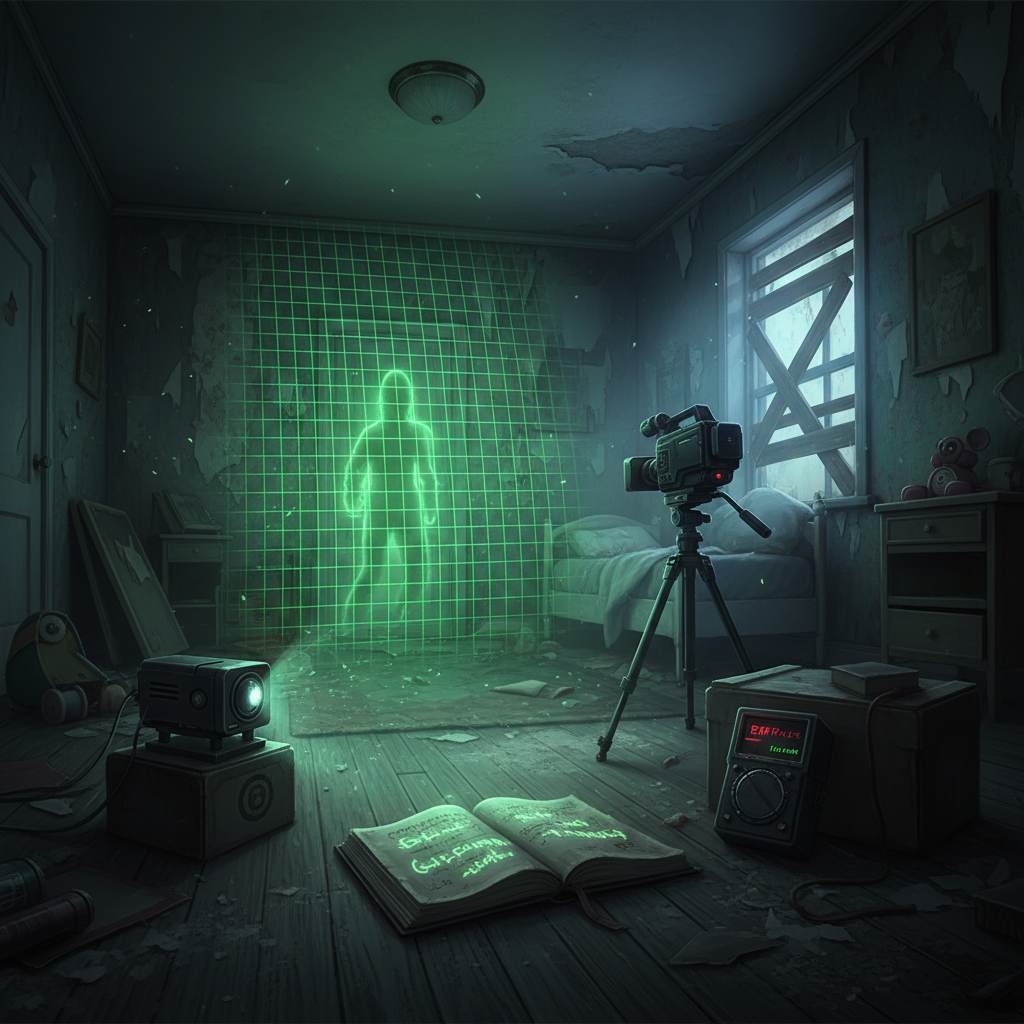
Step 1: Find the room without overcommitting
- Start with thermometer or EMF sweeps and listen for activity.
- Don’t spam every tool in every room. You’re trying to narrow, not “prove.”
Step 2: Place, don’t “hold,” your evidence tools
In VR, holding a camera for five minutes is exhausting and unreliable. Place it:
- Put DOTS so it covers the most common ghost pathing area, not the prettiest corner.
- Place the book where the ghost will step, near the center of activity.
- Angle the camera for both orbs and DOTS coverage when possible.
Step 3: Confirm with a “two-pass” check
- Pass one: quick checks (EMF 5 spikes, spirit box responses, freezing signs).
- Pass two: patience checks (writing, DOTS, orbs). Give them time while you do side tasks.
This loop reduces the classic VR trap: constant tool swapping that turns into constant forgetting.
Team roles and loadouts (VR-friendly, less chaos)
When everyone in VR tries to do everything, the truck becomes a yard sale. Assign roles. Even with two players, a light structure helps.
| Role | What you focus on | VR-friendly core items | Common mistake |
|---|---|---|---|
| Finder | Locate ghost room fast | Thermo/EMF, flashlight, salt | Staying too long before tools are placed |
| Setter | Place DOTS/book/cam cleanly | DOTS, writing book, video cam + tripod | Placing tools too far apart to read together |
| Safety | Hunt prevention and exits | Crucifix, smudge + lighter, pills | Holding smudge “just in case” and never using it |
| Truck/Caller | Monitor cams, sanity, timers | Headset mic discipline, map callouts | Over-calling and drowning out audio cues |
One underrated tip: decide who talks to the ghost on spirit box. Too many voices creates confusion, and in VR the overlap feels even messier.
Hunt survival in VR: fewer hero plays, more repeatable habits
Most wipes happen because players try to “outplay” the hunt while juggling VR controls. You want boring, repeatable behavior.
- Before hunts: keep one escape route in mind, and avoid dead-end rooms when sanity dips.
- During hunts: prioritize line-of-sight breaks, then commit to a hiding plan.
- After hunts: regroup at a known safe point, recount evidence calmly, then re-enter with a purpose.
If you’re prone to VR discomfort, consider stopping after a long hunt chain. Stress plus motion can stack, and taking a short break is often smarter than forcing another contract.
Quick self-check: what’s actually causing your VR runs to fail?
Use this to diagnose your biggest bottleneck. Pick the first statement that feels uncomfortably accurate.
- “I feel sick after 10 minutes.” Your priority is locomotion/turn settings, shorter sessions, and calmer maps.
- “I can’t manage items.” Standardize your carry pattern, practice grabs in the lobby, and stop overpacking.
- “We get evidence late.” Your team needs a placement-first loop and better tool staging.
- “We die in hunts.” You’re overcommitting in bad positions, or you’re not pre-planning exits.
- “We argue about calls.” Assign one caller and use short, consistent callouts.
Many squads improve fast once they fix just one of these. The rest tends to follow.
Key takeaways you can apply next contract
If you only remember a few things from these best phasmophobia vr tips 2026, make them these:
- Comfort settings are part of skill, especially snap turning and recentering habits.
- Place evidence tools early, don’t hand-hold them and drift.
- Roles reduce chaos, even in small groups.
- Hunt survival is about boring consistency, not last-second clutch grabs.
Pick one change for your next run, test it for a few contracts, then layer in the next. If you want a simple start: lock down your movement comfort, then practice a clean DOTS-book-camera setup every time you find the room.
Practical action plan (5 minutes before you queue)
Recenter your headset, set turn style, do three grab-and-place reps with a book and camera in the lobby, then agree on one role per player. That’s it, you’re ready.
FAQ
What are the best phasmophobia vr tips 2026 for beginners who panic?
Keep your loop simple: find the room, place two evidence tools, then step back and listen. Panic usually comes from trying to do six tasks at once while learning VR controls.
Should I use smooth locomotion or teleport in Phasmophobia VR?
Teleport or snap-turn setups often feel better for comfort, but some players prefer smooth once they adapt. If you feel motion sick, prioritize comfort first, performance comes later.
How do I stop dropping items in VR during hunts?
Use a consistent carry pattern and avoid over-gripping. Also, decide your “panic item” ahead of time so you’re not trying to swap three tools while moving.
What evidence tools are most VR-friendly?
Tools you can place and read passively tend to work best, like the writing book, DOTS, and a camera on a tripod. Constantly handheld tools can add fatigue and mistakes in longer games.
Why do we get DOTS or ghost writing so late in VR?
Often it’s placement. DOTS needs coverage where the ghost actually paths, and the book needs to sit close to activity. If both are tucked into corners, you may wait forever.
How do we communicate better as a VR team?
Pick one caller for key decisions and keep callouts short: room name, evidence seen, and safety status. Too much chatter can bury important audio cues like footsteps or hunt starts.
Can VR make motion sickness worse in horror games like Phasmophobia?
It can, especially with smooth turning, fast movement, and high stress. If symptoms persist, consider shorter sessions and comfort settings, and consult a medical professional if you’re concerned.
If you’re trying to make VR investigations feel less chaotic, a simple approach is to build a repeatable “setup kit” for your squad, then run a few contracts on the same map until your hands stop fighting the controls and your evidence loop becomes automatic.