
best vr media apps 2026 is the phrase people type when they’ve already tried one or two players, hit a codec error, got weird audio sync, or realized their “VR video” looks like a postage stamp in a giant headset.
The good news is you don’t need dozens of apps, you need the right one for your content type: local 8K files, streaming platforms, spatial photos, or a private Plex library. Once you match the app to the job, VR media gets dramatically less frustrating.
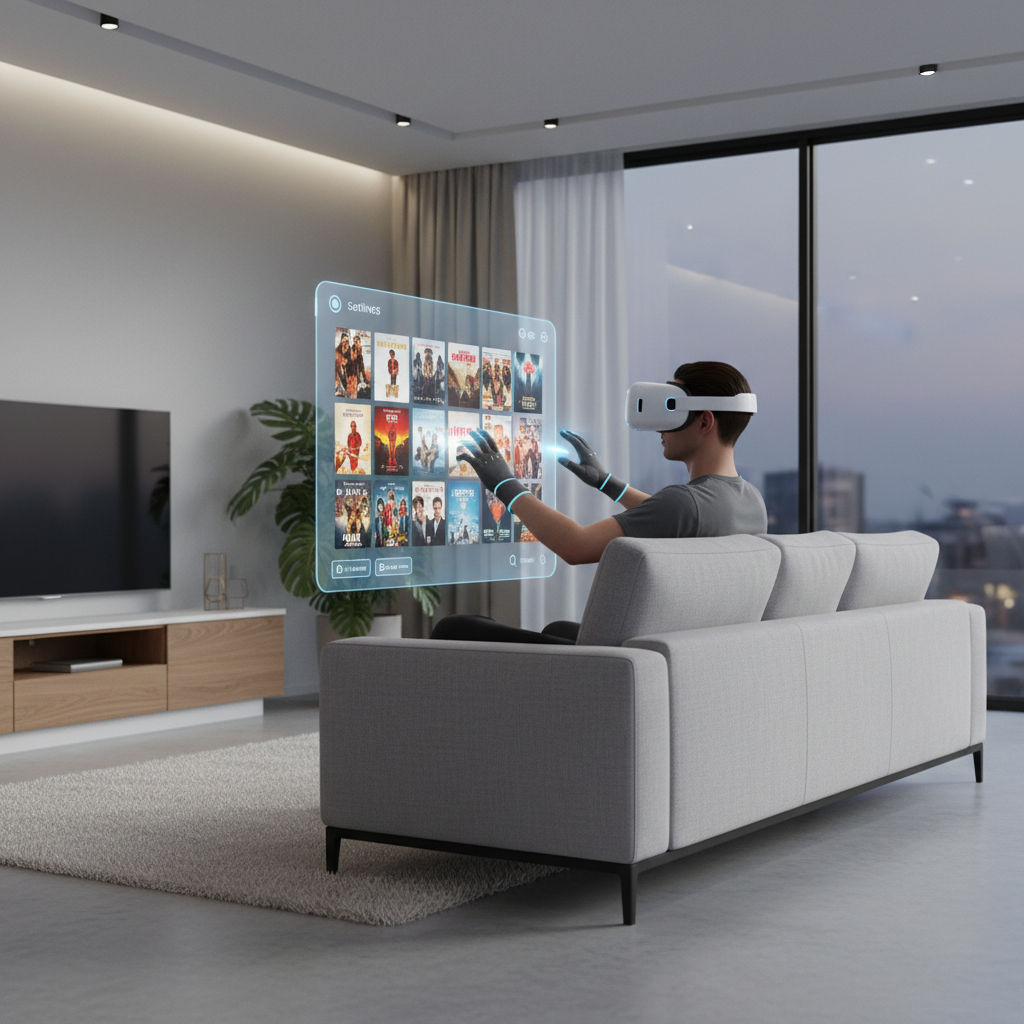
Below is a practical, editor-style shortlist, plus a quick way to self-sort what matters for your setup. No hype, just what tends to work in real living rooms, dorms, and travel setups.
What “best” really means for VR media in 2026
In VR media, “best” usually comes down to four things, and most apps only nail two or three.
- Playback compatibility: can it handle your file types (HEVC/H.265, AV1 where supported), high bitrate, and spatial audio without stutter.
- Environment quality: a convincing theater, void mode, passthrough-friendly UI, and readable controls that don’t break immersion.
- Library workflow: SMB/NAS access, Plex/DLNA, subtitles, metadata, and remembering your position reliably.
- Comfort and control: quick recentering, hand tracking support, brightness controls, and options that reduce eye strain.
According to Apple, their Apple Vision Pro experience emphasizes spatial video and immersive playback features designed around comfort and clarity, which is a useful reminder: polish matters when you watch longer than 10 minutes.
Quick comparison table: top picks by use case
If you only skim one section, skim this. Think of it as “pick the lane, then pick the app.” Availability and features can vary by headset and region.
| Use case | App (category) | Why people choose it | Watch-outs |
|---|---|---|---|
| Local files (high quality) | Skybox VR Player | Strong local playback, network streaming, solid UI | Some advanced codecs depend on device decoding |
| Power-user local + network | DeoVR (player + platform) | Flexible playback, community content, frequent updates | Experience depends on content source quality |
| Virtual theater vibe | Bigscreen | Social viewing rooms, theater environments, simple controls | Not focused on being the “best codec lab” |
| Plex-centric households | Pigasus VR Media Player (Plex) | Plex-first workflow, familiar library browsing | Best results require tidy Plex metadata |
| Cross-device casual viewing | Meta Quest TV / YouTube VR (platform apps) | Easy discovery, quick start, mainstream content | Bitrate and resolution often capped by platform |
| Apple ecosystem spatial video | Apple TV / Photos (visionOS) | Spatial video, high polish, ecosystem integration | Less about “anything plays,” more curated flow |
The best VR media apps 2026 shortlist (what each is for)
This is the real-world shortlist that covers most needs without turning your headset into an app graveyard.
Skybox VR Player: the “just play my files” choice
Skybox is often the easiest recommendation when someone has local downloads, a NAS, or a home PC folder and wants consistent playback with minimal fuss. If your goal is to watch and stop thinking about settings, it’s usually a strong bet.
- Great for: local 2D movies, 180/360 videos, SMB network shares, subtitles.
- Not ideal for: people who mainly want social watch parties or content discovery.
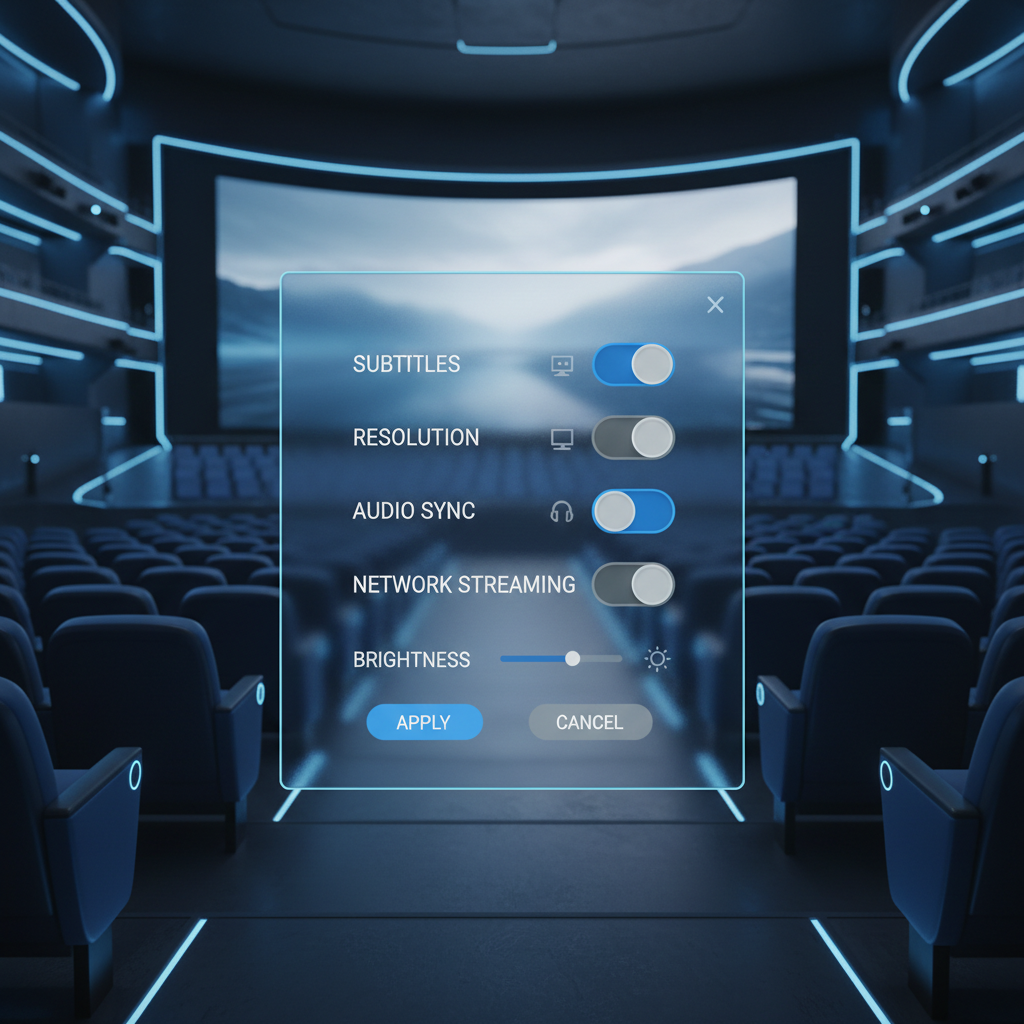
DeoVR: flexible playback plus a content ecosystem
DeoVR sits in an interesting middle: it’s a capable player, and it also plugs into a large catalog of VR video. If you bounce between your own files and app-based browsing, it can reduce switching.
- Great for: exploring VR video catalogs, testing different projection formats, staying current with updates.
- Watch-out: content quality varies by creator, so “VR looks bad” is sometimes a source problem, not an app problem.
Bigscreen: best when the room matters as much as the movie
Bigscreen is less about squeezing every last pixel from an 8K file, and more about the feeling of watching in a shared theater. If you miss the social side of media, it’s a top-tier option.
- Great for: watch parties, virtual theaters, simple playback in a fun setting.
- Not ideal for: obsessive local-file compatibility checks.
Platform-native apps: Meta Quest TV, YouTube VR, Apple TV
People underestimate these because they feel “basic,” but they’re often the most stable for casual viewing. They also tend to integrate well with system-level hand tracking, passthrough, and comfort settings.
- Great for: quick sessions, mainstream content, minimum setup.
- Trade-off: you may not control bitrate, codecs, or advanced subtitle handling.
Plex-focused viewing: Pigasus VR Media Player (where available)
If your household already runs Plex, a Plex-friendly VR player can feel like a cheat code: your library is organized, resume points often behave, and you stop hunting through folders. It’s not for everyone, but for “I have a server at home” people, it’s a very specific kind of relief.
Self-check: pick the right app in 90 seconds
Answer these honestly, and your “best vr media apps 2026” choice usually becomes obvious.
- I mainly watch local files (downloaded movies, ripped discs, personal videos) → start with Skybox, then test DeoVR if you need more formats.
- I mostly stream (YouTube-style apps, platform libraries) → stick to platform-native apps unless a specific feature is missing.
- I care about watch parties → Bigscreen first, then keep one local-file app as backup.
- I own a NAS/Plex → prioritize SMB/Plex support and fast library navigation.
- I get motion sick or eye strain → choose apps with simple UIs, quick recenter, and consistent frame pacing over “feature-rich.”
According to Meta, comfort and safety guidance for VR emphasizes taking breaks and stopping if you feel discomfort, which matters more for media than people think since movies keep you in-headset longer.
Practical setup tips that improve VR media immediately
You can install the best app and still hate the experience if these basics are off.
Dial in screen size and position before touching “advanced” settings
- Set a screen size that feels like a real theater, not a billboard two inches from your face.
- Recenter once, then avoid constant micro-adjustments, it trains you to notice discomfort.
- Use a darker environment for lower glare, especially for subtitles.
Fix the common “VR looks blurry” causes
- Bad source: many “8K” uploads are heavily compressed, try a known high-bitrate sample file.
- Wrong projection: 180 vs 360 vs fisheye mismatch makes everything feel soft.
- Headset fit: slightly off IPD or a tilted headset is enough to ruin clarity.
Audio: the underrated upgrade
If dialogue feels off, try a different audio track, adjust audio delay if your app supports it, or use headphones. Spatial audio can be great, but inconsistent encoding across files makes “simple stereo” a sanity saver.
Common mistakes people make when choosing VR media apps
- Chasing resolution while ignoring bitrate: a “higher resolution” file can look worse if it’s heavily compressed.
- Assuming one app must do everything: most users end up happier with one local-file app plus one social/streaming app.
- Over-tweaking: constant sharpening, contrast boosts, and experimental modes can increase eye fatigue.
- Forgetting heat and battery: long playback sessions can throttle performance, if stutter appears after 20–30 minutes, heat may be the culprit.
If you feel nausea, headaches, or unusual eye discomfort, it may help to shorten sessions and adjust fit and brightness, and in persistent cases it’s reasonable to consult a medical professional.
Key takeaways (save this before you tab away)
- Match the app to the job: local playback, social theater, streaming, or Plex workflows.
- Source quality beats app hype: a clean file plus correct projection format fixes many “app problems.”
- Comfort is a feature: stable playback and simple controls often win over endless settings.
- Keep it small: two apps cover most households, three is plenty.
Conclusion: a realistic way to pick your “best” in 2026
The best vr media apps 2026 list is only useful if it helps you choose fast, then get back to watching. For many people, Skybox covers local playback, Bigscreen covers the social theater vibe, and a platform-native app handles casual streaming without drama.
If you want a simple next step, pick one primary app for your main content type, test it with two known-good videos, then decide whether you truly need a second app for a different scenario. That small bit of discipline usually saves hours.
If you’re building a larger VR media library and want less trial-and-error, consider writing down your device, file sources, and “must-have” features before installing anything, you’ll spot the right fit almost immediately.