
Best game sound settings for footsteps usually come down to one thing: reducing “noise” (explosions, music, bass rumble) so the midrange details where steps live can cut through.
If you mostly play shooters or battle royales, you already know the pain, you hear gunfire fine but footsteps feel inconsistent, sometimes “behind you” sounds like “above you,” and one teammate swears they heard steps while you hear nothing.
This guide focuses on practical settings you can try in minutes, how to tell which mix is actually helping, and what to avoid so you do not accidentally make everything sharper but less accurate.
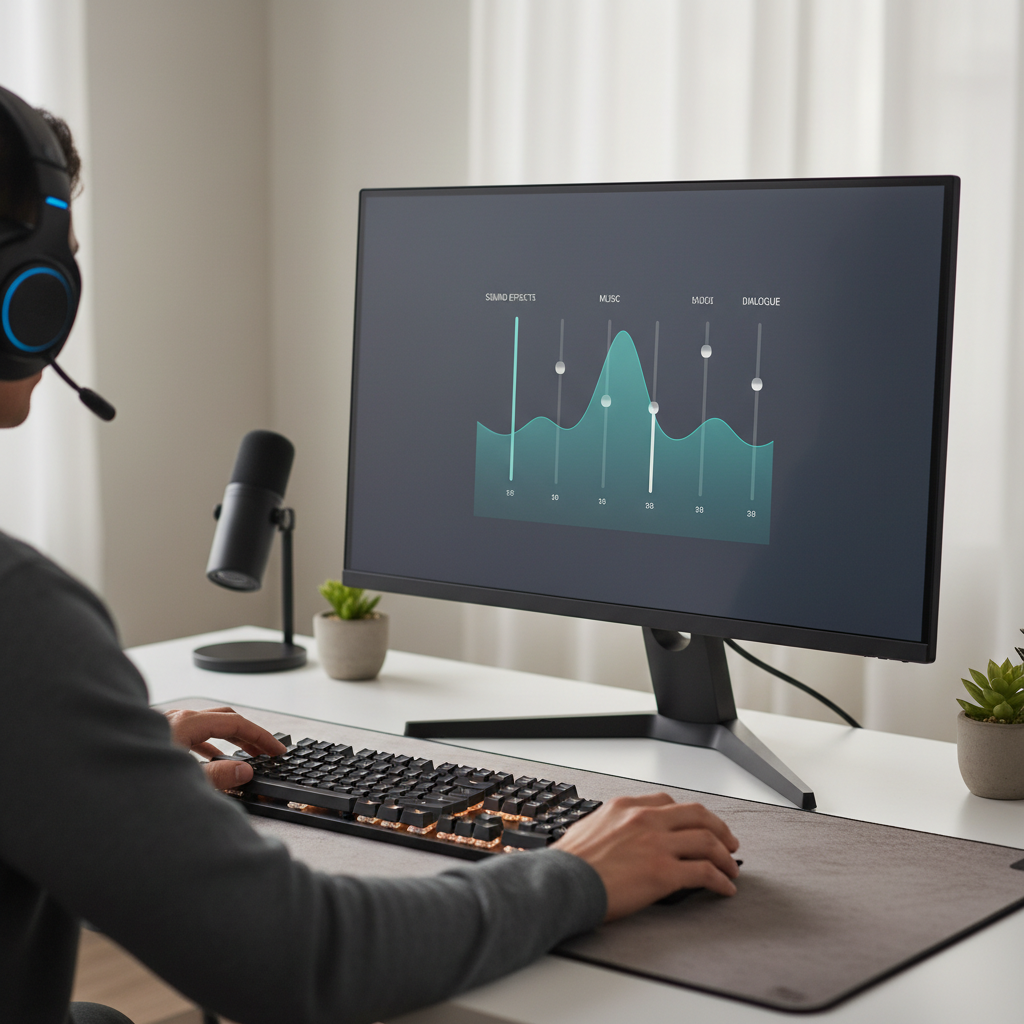
Where footsteps “live” in audio (and why mixes hide them)
Footsteps are not a single frequency, but in many games they show up most clearly in the mids and upper-mids, while the thump you “feel” sits lower. If your setup boosts bass or your game mix favors cinematic impact, that low-end energy masks detail.
There is also a design reality: developers balance competitive readability against immersion, map ambience, voice lines, and weapon audio. So your job is not to “find a magic preset,” it is to prioritize information and accept that some sounds get quieter.
According to Dolby... spatial audio works best when the signal stays clean and dynamic range is controlled, which is exactly why heavy bass boosts and aggressive surround effects can make location cues feel smeared.
Quick self-check: what problem are you actually having?
Before you touch EQ sliders, figure out what is wrong. Different problems need different fixes, and many “footsteps” complaints are really “mix” or “positioning” issues.
- You hear steps, but too late: masking from music, explosions, or low-end boost.
- You hear steps, but cannot place direction: surround/spatial mismatch, phasey virtualization, or incorrect output mode.
- Steps are randomly loud/quiet: dynamic range, compression/limiter behavior, or inconsistent in-game audio mix per surface.
- Everything sounds sharp and tiring: too much upper-mid boost, fatigue builds, you start missing cues anyway.
- Only some games have the issue: game-specific mix presets matter more than your headset.
If direction is your main problem, start with output mode and spatial settings first. If loudness is the issue, start with mix sliders and mild EQ.
Best in-game audio mix settings to emphasize footsteps
The fastest wins usually happen inside the game menu. A lot of people overthink the headset and ignore the obvious, the mix preset.
Pick the right preset (if your game offers it)
- Headphones / Stereo: often the most reliable baseline for positioning.
- Competitive / Footsteps / High Boost: great when implemented well, but can get harsh, test for fatigue.
- Home Theater / Cinema: usually worst for footsteps, too much bass and wide dynamics.
Adjust the core sliders (a practical starting point)
- Music: 0–20% (or off) if you play ranked; keep it higher only if you truly enjoy it.
- Sound Effects (SFX): high, but not maxed if it clips, try 80–95%.
- Dialogue/Voice: moderate, so callouts stay clear without dominating, try 40–70%.
- Ambient: lower if the game allows it, ambience often masks movement cues.
Many players land on “SFX high, music low, ambience trimmed” as the simplest version of best game sound settings for footsteps without turning the whole mix into a brittle mess.
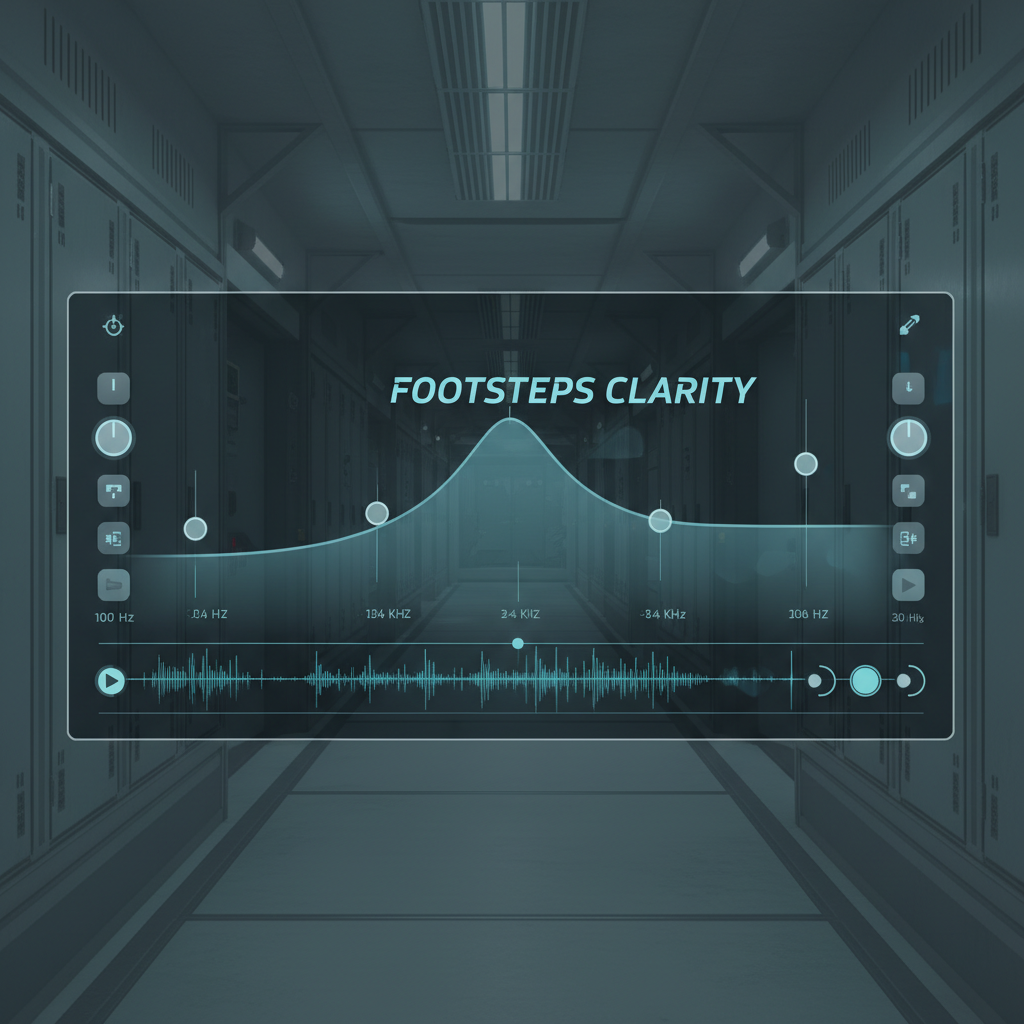
EQ settings for footsteps (safe ranges, not extreme spikes)
EQ can help, but it is also where people sabotage imaging. Huge boosts may make steps louder, while destroying distance perception and making gunshots unbearable.
If you have a headset app EQ, console EQ, or PC equalizer, aim for gentle moves:
- Low bass (20–80 Hz): small cut, often -2 to -5 dB to reduce rumble.
- Mid-bass (80–200 Hz): slight cut if explosions feel bloated.
- Presence (2–4 kHz): modest boost, often +2 to +4 dB for step texture.
- Harshness zone (5–8 kHz): avoid big boosts, tweak only if your headset feels dull.
Keep Q (bandwidth) fairly wide if the tool allows it. Narrow spikes can create “peaky” audio that sounds impressive for 30 seconds, then you start missing information because everything becomes abrasive.
According to NIOSH... reducing exposure to loud sound helps lower risk of hearing damage. If your “footsteps EQ” pushes you to crank volume, consider backing off and using gentler EQ with smarter mixing instead.
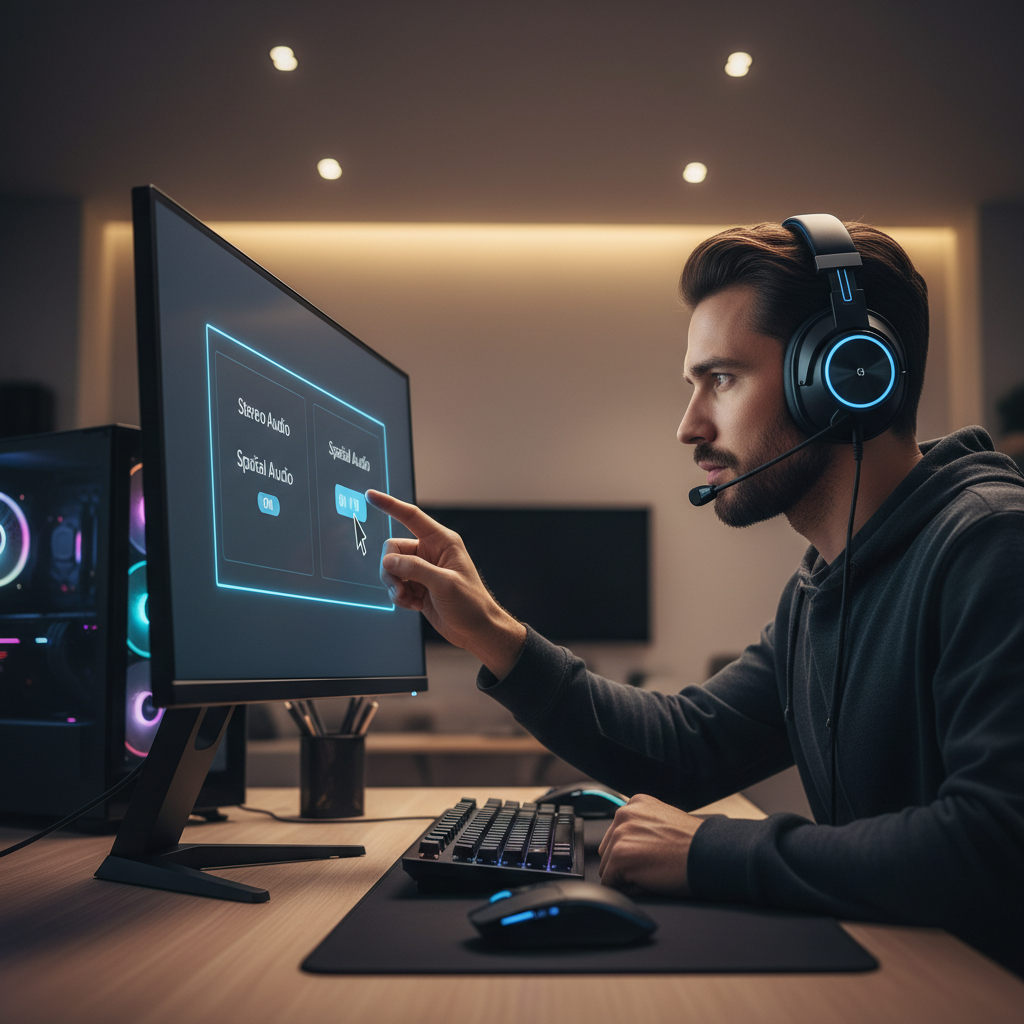
Stereo vs surround vs spatial audio: what usually works
This is where opinions get heated, because it depends on the game engine, your headset, and the virtual surround implementation. Still, there are consistent patterns.
- Stereo (good HRTF in-game): often best for accurate left-right and front-back in competitive titles.
- Virtual surround: can help in some setups, but can also blur direction and reduce clarity.
- Platform spatial audio (Windows Sonic, Dolby Atmos for Headphones, console 3D audio): worthwhile if the game supports it well, but do A/B tests.
A practical approach: use one spatial layer at a time. If the game has its own HRTF or “3D Headphones” option, try turning off external virtualization. Doubling up often creates phasey cues that feel “wide” but not precise.
Recommended settings by platform (PC, PS5, Xbox)
These are baseline setups you can copy, then refine per game. Think of them as guardrails, not gospel.
PC (Windows)
- Set output to stereo unless a specific title recommends surround.
- Disable “enhancements” you do not understand, then add only what you can A/B test.
- If you use a limiter/compressor, keep it mild, heavy compression can flatten distance cues.
PlayStation 5
- Enable console 3D audio only if the game positions well with it, otherwise compare to standard stereo.
- Use game preset “Headphones/Competitive” when available, then reduce music.
Xbox
- Try Windows Sonic or Dolby Atmos for Headphones, but avoid stacking with in-game virtual surround.
- Confirm the headset format matches what the game expects, mismatches can ruin imaging.
Fast tuning workflow (10 minutes) + a simple comparison table
If you change five things at once, you never learn what helped. The workflow below stays simple and repeatable.
- Pick one map or training area with consistent surfaces.
- Set mix preset to Headphones/Competitive, then cut music.
- A/B stereo vs one spatial option, keep the better one.
- Add gentle EQ: small low cut, modest 2–4 kHz boost.
- Play 2–3 matches, then adjust only one slider at a time.
| Goal | What to change | What you should notice | Common mistake |
|---|---|---|---|
| Hear steps sooner | Lower music/ambience, mild bass cut | Less rumble, more “texture” | Turning master volume up until everything clips |
| Better direction | Disable extra surround layers | Cleaner front/back cues | Stacking in-game HRTF + Atmos + headset surround |
| Less fatigue | Reduce 3–6 kHz boost, lower treble | Long sessions feel calmer | Keeping “high boost” even when it hurts |
| Consistent loudness | Mild compression or night mode (if tasteful) | Quiet cues less buried | Over-compressing and flattening distance |
Common mistakes that make footsteps worse
- Maxing treble: louder does not mean clearer, it often means harsher.
- Ignoring clipping: distorted audio smears cues and kills separation.
- Copying a streamer’s EQ blindly: different headset, different ears, different game mix.
- Boosting bass for “impact”: fun in single-player, usually bad for competitive reading.
- Changing settings every match: your brain needs consistency to learn positioning.
If your ears ring after sessions or you feel pressure headaches, lower volume and ease off aggressive boosts, and if symptoms persist, consider talking with a hearing professional.
Key takeaways + a practical conclusion
Best game sound settings for footsteps are rarely a single toggle, they are a small set of choices that reduce masking and preserve positioning: pick a headphone-focused mix, cut music and unnecessary ambience, avoid stacking spatial effects, then add gentle EQ instead of extreme curves.
Action you can take today: set music to near-zero, choose the game’s headphone/competitive preset, and run one controlled A/B test between stereo and a single spatial option. If steps still feel buried, add a mild low cut and a modest 2–4 kHz boost, then stop touching things for a few matches so you can actually judge.
FAQ
What is the best EQ for footsteps in FPS games?
A mild bass reduction with a modest boost around the presence range often helps, but avoid sharp spikes. If it gets harsh fast, your boost is probably too aggressive.
Should I use stereo or surround sound for footsteps?
In many competitive shooters, stereo with good in-game HRTF gives clearer placement than generic virtual surround. The only honest answer is to A/B test with one map and consistent settings.
Do “night mode” or dynamic range compression help hear footsteps?
Sometimes, especially if quiet cues get buried by loud moments. Too much compression can flatten distance and make everything feel the same volume, so keep it subtle.
Why do my teammates hear footsteps but I don’t?
It can be mix differences, headset tuning, or simply positioning and attention. Also, some games have surface-dependent footstep loudness that feels inconsistent by design.
Is turning the volume up the easiest fix?
It can make details easier to notice, but it also raises risk of fatigue and potential hearing harm. Better mixing and mild EQ usually beat pure volume increases.
What headset settings should I disable first?
If you use multiple “surround” features at once, start by turning off extras. One spatial system at a time tends to preserve clearer cues.
How do I know if my settings are actually better?
Use the same training area, same weapon, same route, and test one change at a time. If you only feel “more loud,” but direction and timing do not improve, it is not a real win.
Key points you can screenshot
- Lower music, reduce ambience if possible, keep SFX strong without clipping.
- Prefer Headphones/Competitive presets over Cinema/Home Theater.
- Avoid stacking spatial layers, pick one approach and commit.
- Use gentle EQ: small bass cut, modest 2–4 kHz boost.