
An ergonomic mouse for mmorpg players can make long raid nights feel less like a hand workout and more like what you logged in for, clean rotations, fewer misclicks, and a grip that doesn’t punish you after two hours.
MMORPG play is a weird stress test, lots of repeated inputs, long sessions, and side buttons you actually use, so a mouse that feels “fine” in shooters can start feeling cramped, tingly, or sloppy when you’re spamming abilities and managing UI.
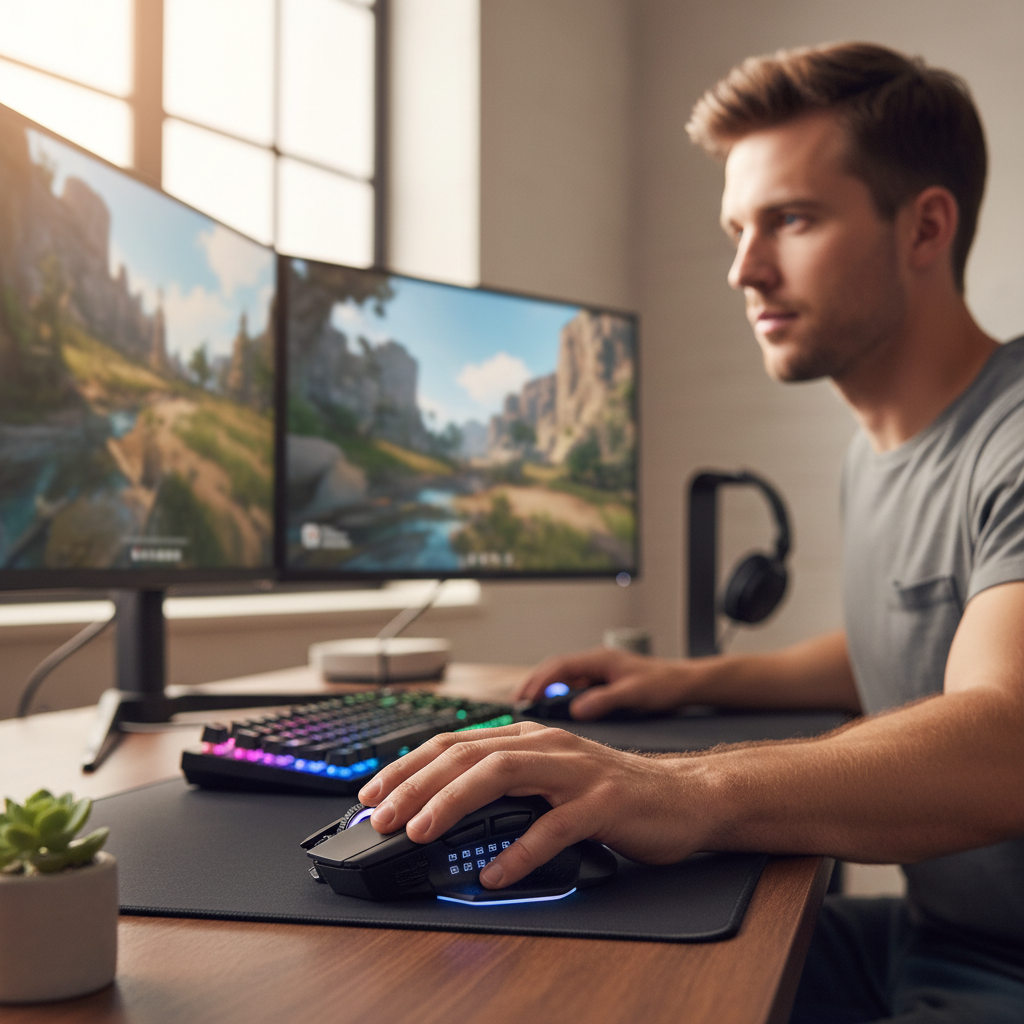
This guide helps you decide what “ergonomic” should mean for your hand, your grip, and your keybind habits, then gives a practical checklist for shopping without falling for marketing.
What “ergonomic” means for MMO gaming (and what it doesn’t)
In this context, ergonomic usually means the mouse supports a more neutral hand and wrist posture while keeping your most-used controls easy to reach. It’s not a promise that discomfort disappears, it’s a better starting point.
- Neutral wrist angle: less bend outward or inward while your hand rests on the shell.
- Supported palm and thumb: reduces “pinching” the mouse, especially in long sessions.
- Reachable MMO buttons: side keys that you can press without shifting your whole grip.
- Low-effort clicks: switches and button feel that don’t demand extra force for hours.
According to OSHA (Occupational Safety and Health Administration), good computer ergonomics focuses on neutral postures and reducing repetitive strain risk factors, which maps closely to what MMO players struggle with when sessions run long.
Why MMO players get hand fatigue faster than they expect
Even if your desk setup looks fine, MMO inputs stack up in a way many people underestimate. The fatigue often comes from a few small frictions that repeat thousands of times.
- High repetition: frequent left/right clicks plus rapid side-button use for rotations and interrupts.
- Sustained grip tension: gripping harder when you’re stressed, tanking, healing, or doing arena.
- Thumb overwork: MMO grids (6–12 side buttons) can turn the thumb into a full-time typist.
- Micro-adjustment overload: constant cursor corrections in UI-heavy moments like inventory, auctions, add-ons.
- Desk height mismatch: subtle wrist extension when the mouse pad sits too high or too low.
If you already feel numbness, persistent tingling, or sharp pain, treat that as a signal to slow down and consider professional guidance. Gaming gear can help, but it can’t diagnose or “fix” an injury.
Quick self-check: which mouse shape and button layout fits you?
Before you shop, do a two-minute check at your desk. You’re looking for what’s actually causing strain and missed presses.
Hand size and grip style
- Palm grip: you usually benefit from a higher back hump and fuller support under the palm.
- Claw grip: look for a stable rear support but enough room for arched fingers, too flat can cramp.
- Fingertip grip: lighter mice can feel great, but MMO side buttons often become harder to control.
Thumb reach test (MMO button reality check)
- Can you hit the top-back side button without rolling the mouse in your hand?
- Can you press two adjacent side buttons accurately when your hand is slightly sweaty?
- Do you accidentally trigger side keys when lifting or repositioning?
Wrist posture check
- If your wrist bends outward (pinky side down), you may prefer a more angled, right-hand ergonomic shell.
- If your wrist bends upward, your desk or chair height may be forcing extension, fix setup before blaming the mouse.
What to look for in an ergonomic MMO mouse (priorities that matter)
Shopping for an ergonomic mouse for mmorpg players gets noisy fast, sensors, DPI, RGB, “pro grade” language. For MMOs, comfort and control usually beat raw specs.
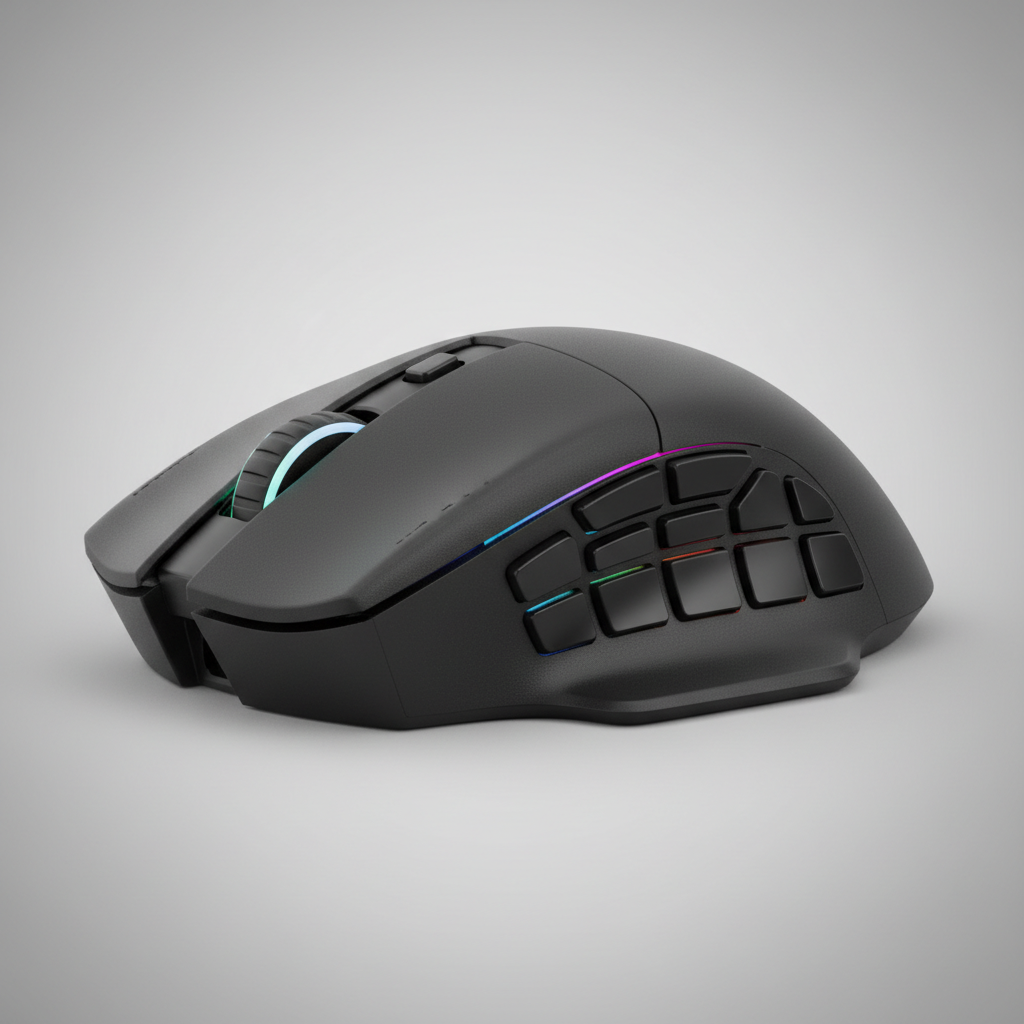
Here’s what tends to matter most, with the trade-offs spelled out.
- Shape and support first: a thumb rest can reduce squeeze tension, but some designs force your thumb into an awkward angle, so test reach.
- Side button design: raised separators and distinct shapes help accuracy, flat “grid” buttons can feel fast but cause misfires for some hands.
- Button count vs. reliability: 12 buttons sounds perfect until you realize you only trust 6 under pressure; honest mapping beats theoretical capacity.
- Weight and balance: heavier mice can feel stable for UI clicking, but may increase fatigue if you do lots of repositioning; balanced weight matters more than the number.
- Scroll wheel quality: auction house and inventory use makes wheel feel important; free-spin is nice for browsing, firmer steps help ability binds.
- Wireless latency and charging: modern wireless is usually fine for MMO play, but battery anxiety mid-raid is real, a dock or USB-C quick charge helps.
- Software and onboard memory: you want profiles stored on the mouse so updates or PC changes don’t nuke your binds.
According to the American Academy of Orthopaedic Surgeons (AAOS), repetitive motion and poor positioning can contribute to hand and wrist discomfort, so comfort features that reduce awkward angles and tension are not “fluff” if you play long sessions.
A practical comparison table: choose by your MMO playstyle
Different roles and habits push you toward different compromises. Use this as a sanity check while you browse.
| Playstyle | Mouse traits that usually help | Common downside to watch |
|---|---|---|
| High APM DPS rotations | Distinct side buttons, low-force clicks, stable grip support | Too many buttons can cause mispresses under stress |
| Healer (lots of UI + targeting) | Comfortable palm support, smooth sensor tracking, reliable scroll | Heavy mice may fatigue you during frequent repositioning |
| Tank (reaction + camera control) | Grippy texture, strong thumb rest, easy-to-hit 4–6 core side keys | Thumb rests that force stretch can backfire |
| Casual questing + economy | Comfort shape, free-spin or smooth wheel, fewer but larger buttons | Overbuying features you won’t use |
| Hybrid MMO + FPS games | Moderate button count, lighter weight, balanced shape | Full 12-button grids can feel bulky in shooters |
Setup steps that make an MMO mouse feel “more ergonomic”
Plenty of people buy the right mouse and still feel strain because setup stays the same. These steps are boring, but they’re the difference between “nice mouse” and “my hand finally relaxed.”
Dial in your desk and arm position
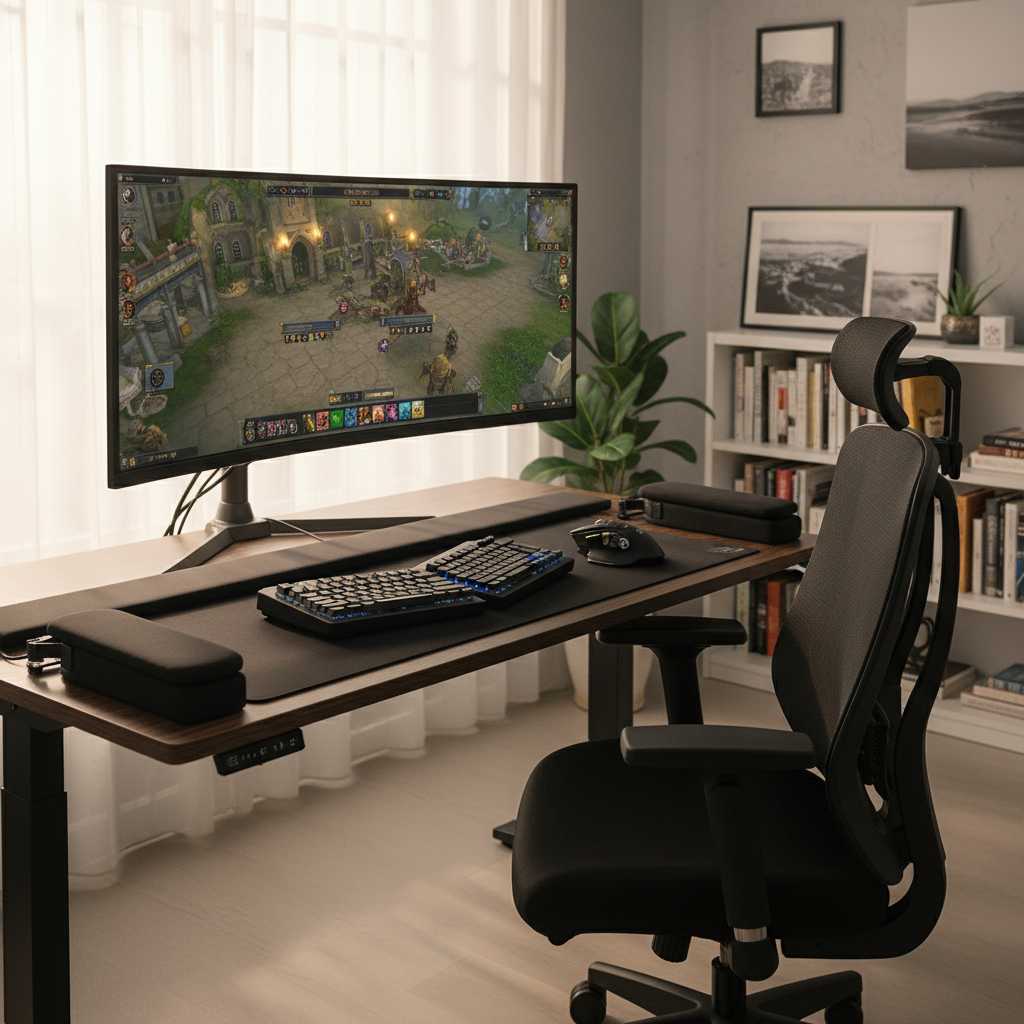
- Keep forearm supported so the wrist doesn’t carry the full load during long pulls.
- Try lowering mouse sensitivity slightly if you find yourself hovering and tensing, but avoid going so low you drag your arm nonstop.
- If your wrist rests hard on the desk edge, consider a softer pad edge or repositioning, pressure points add up.
Map buttons around real thumb accuracy, not wishful thinking
- Pick 4–6 side buttons you can hit cleanly, bind your “panic” skills there: interrupt, defensive, trinket, mobility.
- Put low-risk actions on harder-to-reach keys: mounts, menus, non-combat macros.
- Use modifiers carefully, Shift/Alt combos can be efficient, but if they make your grip tense, you lose the benefit.
Use software sparingly, focus on consistency
- Create one “raid” profile and one “everything else” profile, more profiles usually means more confusion.
- Turn off overly sensitive gestures or angle snapping if it makes cursor control feel unpredictable.
- Save to onboard memory when available, especially if you play on different PCs.
Common mistakes (even experienced players make them)
- Buying by button count alone: if you can’t press them confidently, more keys just become noise.
- Ignoring shell width: a mouse can be “ergonomic” but too wide, forcing thumb and pinky to stretch.
- Chasing ultra-light at all costs: for MMO UI work, some weight can feel steadier, the right balance matters more.
- Cranking DPI to avoid movement: too high can create tiny corrections and more tension, especially in cluttered UIs.
- Power-gripping during fights: this is the sneaky one, you don’t notice until your hand aches; a better shape helps, but you also need a reminder to relax.
According to the Mayo Clinic, symptoms such as persistent numbness, weakness, or pain in the hand or wrist are worth discussing with a healthcare professional, especially if they interfere with daily activities. If gaming triggers those symptoms, it’s reasonable to ask for medical advice.
Key takeaways and a simple buying checklist
If you want a quick filter for store pages and reviews, use this list and don’t overcomplicate it.
- Fit: shell supports your palm and thumb without forcing stretch.
- Trustworthy buttons: you can hit your core MMO binds without shifting grip.
- Low tension: clicks and side keys don’t demand extra force.
- Practical software: stable profiles, ideally with onboard memory.
- Comfort over hype: the best spec sheet doesn’t help if your hand feels tight after an hour.
Choosing an ergonomic mouse for mmorpg players is mostly about matching shape and side-button usability to your hand, then setting it up so you’re not fighting your desk. If you can test in-store or buy from a retailer with an easy return policy, that usually beats guessing from photos.
If you’re deciding this week, pick two candidates, run a real two-night trial with your normal keybinds, then keep the one that lets you play longer without thinking about your hand. That’s the whole point.
FAQ
Do MMO mice with 12 side buttons cause thumb pain?
They can, especially if the grid forces your thumb to curl or stretch more than your natural range. Many players do better treating it like a 6-button mouse in practice, and using the rest for low-pressure actions.
Is a vertical mouse good for MMORPGs?
A vertical shape may reduce forearm twist for some people, but MMO side-button access and fast camera control can feel awkward. If wrist discomfort is your main issue, it might be worth testing, but it’s not automatically better for raids.
What grip is best for long MMO sessions?
There isn’t one winner, but a relaxed palm or relaxed claw tends to reduce squeeze tension compared with fingertip-only control. The bigger factor is whether the mouse supports your hand without forcing you to “hold on.”
Should I switch to wireless for comfort?
Wireless can reduce cable drag and minor friction, which sometimes lowers tension. The main downside is charging management, so a dock or predictable battery routine matters more than the wireless spec itself.
How do I know if my mouse is too big or too small?
Too big usually shows up as thumb stretching to reach side buttons and pinky dragging on the pad, too small often feels like you’re pinching and your fingers cramp. If you keep re-gripping during combat, size or shape is likely off.
What sensitivity (DPI) is comfortable for MMO play?
Comfort varies by desk space and UI density, but many players settle into a moderate setting that avoids both extremes: not so high that you micro-correct constantly, not so low that you shove your arm around all night.
When should I stop and get help for wrist or hand symptoms?
If pain persists, worsens, or comes with numbness, tingling, or weakness, it’s smart to pause and consult a qualified healthcare professional. Gear changes may help comfort, but they shouldn’t replace medical advice when symptoms stick around.
If you’re stuck between a few models and want a more “no-regrets” path, start by narrowing to the shape that keeps your wrist neutral and your thumb relaxed, then test side-button accuracy with your real binds. A little upfront fit-testing usually saves you from buying a mouse you only tolerate.