how to make a roblox game free is mostly about one thing: making sure your experience is not set to “Paid Access” and that you’re not accidentally locking core gameplay behind purchases.
If you’re new to Roblox Studio, that can feel confusing because there are a few different “money switches” spread across settings, passes, products, and even private server options. Miss one, and players will still see a price wall somewhere.
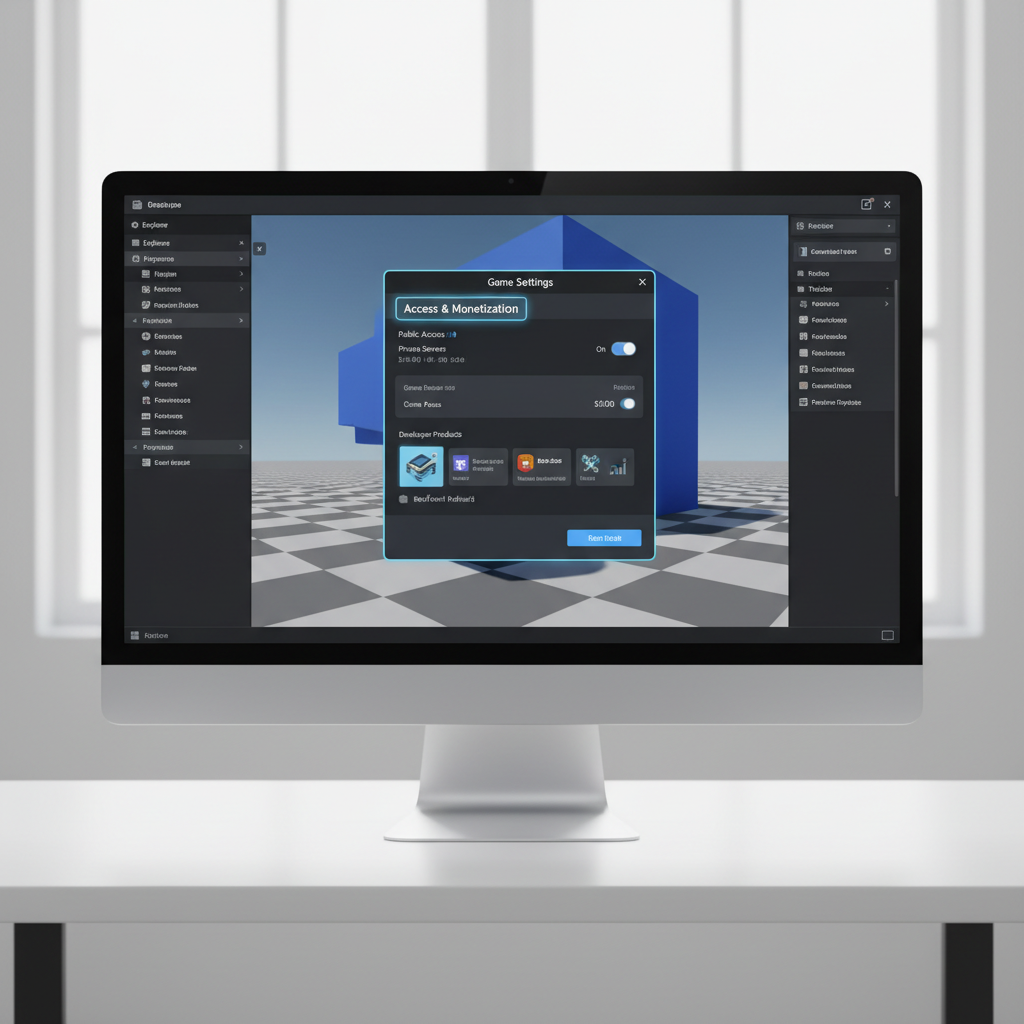
This tutorial walks you through the practical checks that usually matter in the real world: where to confirm your game is free to play, what “free” does and does not mean on Roblox, and how to test before you promote your link.
What “free” means on Roblox (and what it doesn’t)
On Roblox, a free game usually means a player can click Play without paying Robux up front. That’s different from “no monetization at all.” Plenty of experiences are free-to-play but still offer optional purchases.
- Free access: no Robux required to enter the experience.
- Optional monetization: game passes, developer products, subscriptions, or cosmetics that players can choose to buy.
- Not free (commonly): paid access enabled, required private servers, or core progression blocked unless players pay.
According to Roblox Developer Documentation, access and monetization are configured through Roblox Studio and Creator Dashboard tools, and experiences can support multiple monetization methods without requiring paid entry.
Why your Roblox game might still show a price (common causes)
If you already “made it free” but players still report a paywall, it’s almost always one of these situations.
- Paid Access is turned on for the experience, so Roblox charges Robux to play.
- Wrong universe/place gets shared, especially if you duplicated a project or published to the wrong slot.
- Private server settings confuse users, if your public servers are disabled or your flow nudges them into paid private servers.
- “Free” but not really: you require a game pass for basic features, and players interpret that as paid entry.
- Outdated client/cache: less common, but players can see stale pricing until refresh; testing with multiple accounts helps.
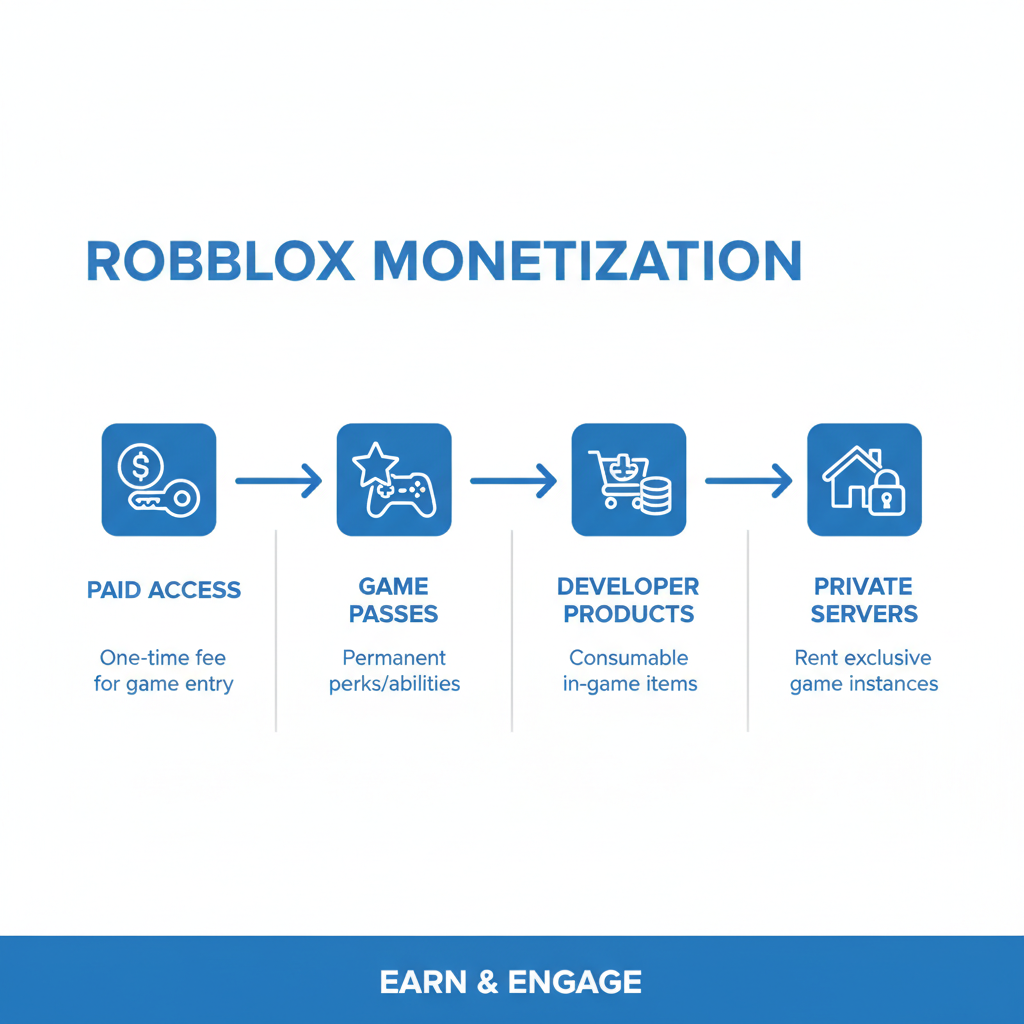
If your goal is how to make a roblox game free for everyone, your first step is confirming the experience entry price is set to zero, then verifying you’re linking the correct published experience.
Quick self-check: are you truly free-to-play?
Before changing anything, run this fast checklist. It saves time because it tells you what kind of “not free” problem you actually have.
- When you open the game page while logged out, do you see a Robux price next to Play?
- Can a brand-new alt account join without owning anything?
- Do you prompt a purchase within the first minute just to move forward?
- Are public servers enabled, or does the page funnel toward private servers?
- Did you publish recently and confirm the right experience link is shared?
If you answered “yes” to the first item, you’re almost certainly dealing with paid access. If the issue is later in the flow, your game may be free to enter but paywalled in practice.
Step-by-step: turn off Paid Access and publish correctly
how to make a roblox game free in the “entry price” sense is straightforward, but the UI can vary slightly depending on whether you’re in Studio or the web dashboard.
1) Find your experience monetization/access setting
- Open Roblox Studio and load your project.
- Go to Game Settings (often under the Home tab).
- Look for a section related to Monetization or Paid Access (wording can vary).
2) Set Paid Access to free
- If there’s a Paid Access toggle, switch it off.
- If there’s a price field, set it to 0 or select the free option.
- Save changes.
3) Publish and verify the correct experience
- Use Publish to Roblox and confirm you’re updating the intended experience (not a copy).
- Open the experience page in a browser and refresh.
- Test joining from a second account.
According to Roblox Support, publishing and updating experiences can take a short time to reflect across all users, so if you changed the access setting, give it a bit and re-check with a clean browser session.
Make it free without killing your monetization (practical options)
Many creators want free entry because it improves reach, but they still need a way to fund development. The key is keeping purchases optional and fair.
Here are common models players usually accept better than hard paywalls:
- Cosmetics: skins, pets, emotes, visual effects.
- Convenience: extra loadout slots, faster crafting, teleport shortcuts that don’t break progression.
- VIP areas: bonus zones with side content, not required to understand or finish the main game loop.
- Private servers: keep public servers available so “free” remains true.
If you’re deciding what to use, this quick table helps.
| Option | Player expectation | Risk to “free” perception |
|---|---|---|
| Paid Access | Pay before entry | High |
| Game Pass | One-time perk purchase | Medium (depends if required) |
| Developer Product | Consumable purchase | Medium (can feel spammy) |
| Cosmetics-only | Support the creator | Low |
| Private Servers | Optional premium play | Low to Medium |
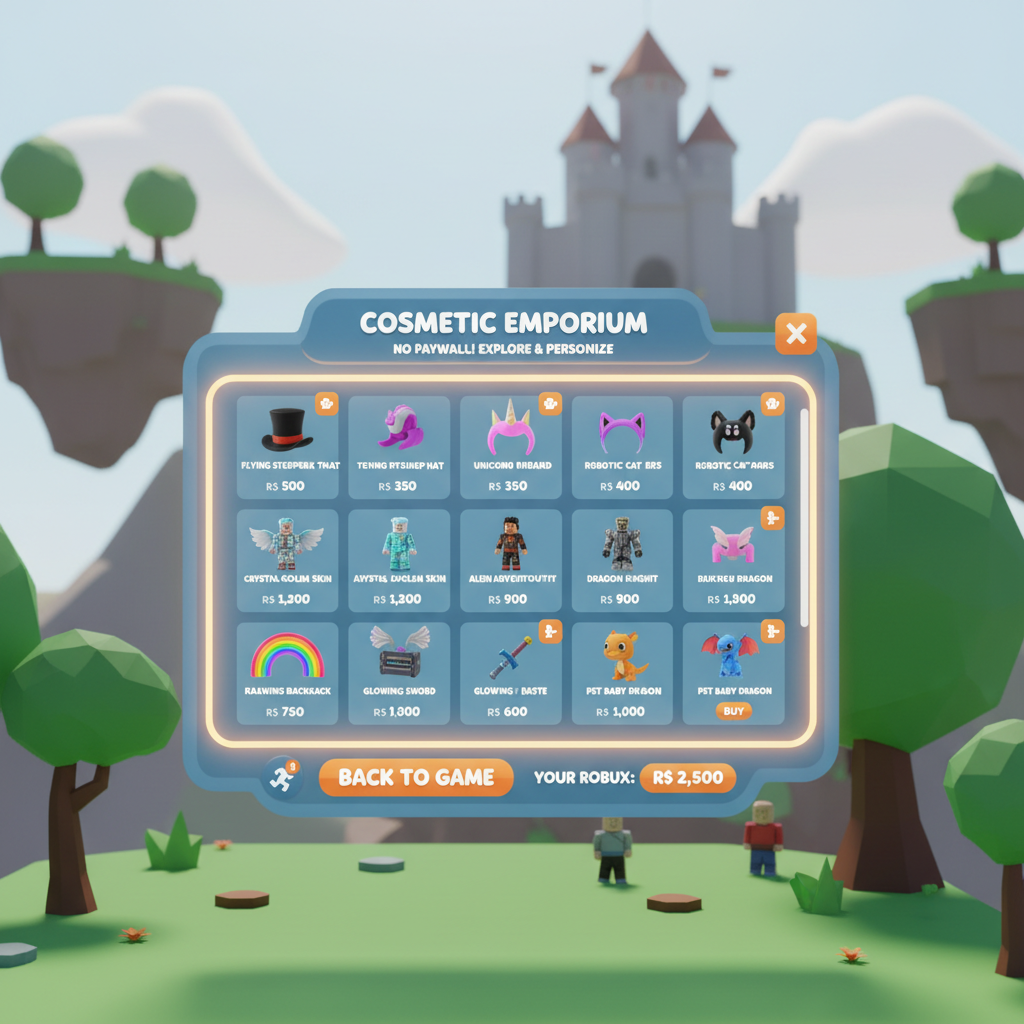
Key point: if your tutorial promise is “free,” keep the first session fun without purchase prompts every 10 seconds. Players tolerate monetization better after they understand the game.
Common mistakes that make a “free” game feel paid
You can set entry cost to zero and still lose players if the game feels like a checkout line. These mistakes show up a lot in early projects.
- Blocking basic movement or tools behind a pass. If a player can’t play the core loop, they’ll call it pay-to-play.
- Purchase prompts on spawn. It screams “cash grab,” even if you didn’t mean it that way.
- Mislabeling VIP or private servers as required in your UI text.
- Forgetting your store copy: “Buy to play” text might still exist in a sign, NPC dialog, or UI button.
When you’re aiming for how to make a roblox game free that players actually trust, tone matters almost as much as settings.
Testing and launch checklist (before you share your link)
This is the unglamorous part, but it prevents most “why is it charging?” messages and bad first impressions.
- Test from the experience page (web) and from search inside Roblox.
- Test with an alt account that owns no passes, no products.
- Join on mobile if your audience skews mobile, because UI and prompts can behave differently.
- Check all monetization items in Creator Dashboard: passes, products, subscriptions, private servers.
- Ask one friend to try joining without instructions, then watch what confuses them.
If anything still looks like a paywall, don’t guess. Go back to the experience configuration and confirm you edited the correct experience, especially if you have multiple versions.
Conclusion: make it free, then make it worth staying
how to make a roblox game free comes down to disabling paid entry, publishing to the right experience, and testing with a clean account so you see what new players see. Once access is truly free, focus on a fair first session, light monetization, and clear UI copy that doesn’t accidentally imply “pay to play.”
If you take two actions today, make them these: confirm Paid Access is off, then run a full join test from an alt account on the exact link you plan to share.
FAQ
How do I know if my Roblox game is paid access?
Open the experience page in a browser while logged out or on an alt account. If you see a Robux price to start playing, it’s paid access (or a paid entry configuration) rather than optional purchases.
Can my game be free but still have game passes?
Yes. Free-to-play usually means no upfront cost to enter. Game passes can still exist, but if a pass is required for basic gameplay, many players will still describe the game as “not really free.”
Why does it say it costs Robux for some people but not me?
Most often you’re testing while logged in as the creator or from a cached view, or you changed a setting but shared a different experience link. Testing with a separate account and a private browser window helps reveal what players see.
Do private servers make my Roblox game not free?
Not automatically. If public servers remain available, private servers are usually seen as optional. Problems start when the experience page or your UI nudges players into private servers as if they’re required.
What’s the difference between developer products and game passes?
Game passes are typically one-time purchases tied to a player, while developer products are usually consumables they can buy multiple times. Both can exist in a free experience, but repeated prompts can annoy players quickly.
How long does it take for access changes to update?
It varies. Many changes appear quickly, but sometimes players still see old behavior for a bit. If you’re troubleshooting, re-check settings in Creator Dashboard and test again after a short wait with a clean session.
Is it better to launch free or paid?
For new creators, free entry often reduces friction and helps you get feedback sooner, but paid access can work for niche experiences with a clear value promise. If you’re unsure, free entry plus optional cosmetics tends to be a safer starting point.
If you’re still stuck after you flip the settings, you may need a second set of eyes to confirm you’re editing the right experience, cleaning up paywall-like UI, and setting up optional monetization that doesn’t chase players away.