
Best vr microphone for streaming usually means one thing in practice: your chat can understand you clearly even when you turn your head, breathe harder, or get loud in a fast VR match.
VR audio is tricky because you’re moving, the headset mic sits in a noisy spot, and many streams fail on the boring stuff like gain staging and room noise. The good news is you don’t need a studio, you need the right mic type for your setup and a few settings that stop the “underwater voice” problem.
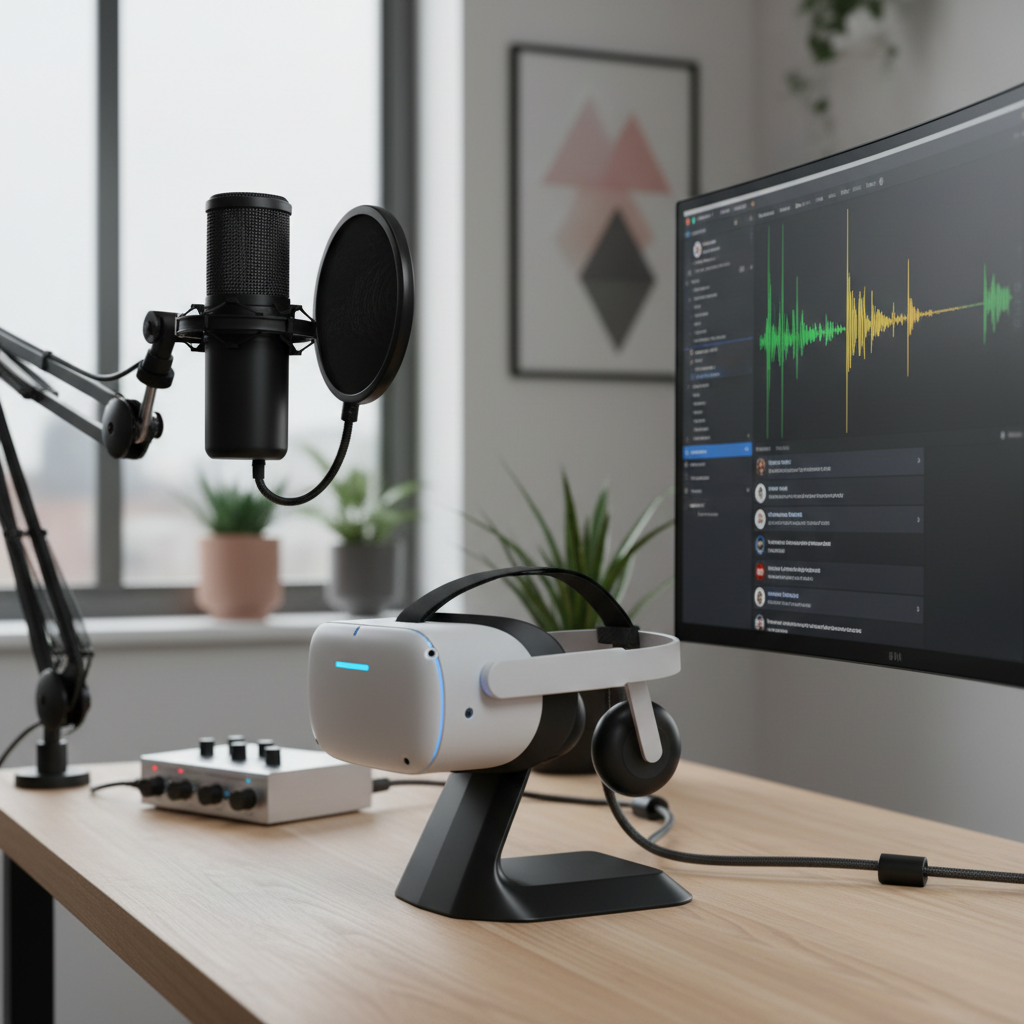
This guide focuses on what actually changes stream quality: placement, noise control, and choosing between USB, XLR, and wireless. You’ll also get a quick self-check so you can stop guessing and buy or tweak based on your real constraints.
What “best” means for a VR streaming microphone
If you stream flat-screen games, you can park your mouth in one spot and optimize around it. In VR, you rarely stay still, so “best” tends to be the mic that stays consistent while you move.
- Consistency while turning your head: VR movement changes mic angle and distance, which can tank clarity.
- Noise rejection: many rooms have PC fan noise, AC hum, or controller clicks, and VR movement makes it worse.
- Low latency monitoring: hearing yourself (lightly) helps you avoid shouting, clipping, or fading out.
- Setup friction: if the mic works only when you sit perfectly still, it’s not “best” for VR.
According to Twitch, clear audio is a major factor in viewer retention and overall stream quality, which tracks with what most creators notice anecdotally: people forgive imperfect video faster than they forgive muddy speech.
Why VR streams often sound bad (even with a decent mic)
Before buying anything, it helps to name the failure mode. A lot of “bad mic” complaints come from setup choices that would sabotage almost any microphone.
Common culprits
- Distance drift: you start 6 inches away, then step back, turn, crouch, and your voice drops 12 dB.
- Wrong pickup pattern: omnidirectional mics capture everything, including your room and headset strap noise.
- Over-aggressive noise suppression: strong noise removal can create warbly artifacts that sound worse than the original noise.
- Clipping from excited moments: VR makes people shout, peaks slam into 0 dB, and the stream hears crunchy distortion.
- Room reflections: hard walls plus an open mic create a “bathroom echo” even in a normal bedroom.
And yes, headset mics have improved, but in many setups they still struggle with breath noise, plosives, and inconsistent positioning.
Quick self-check: which VR mic setup fits you?
Use this as a fast sorting hat. You’re not picking a “best” mic in a vacuum, you’re picking the best fit for how you move and how much gear you’ll tolerate.
- You move a lot and leave your desk (room-scale VR): lean toward a wireless lavalier or headset-attached mic approach.
- You mostly play seated (sim racing, cockpit): a boom arm USB mic can be very clean and simple.
- You want the highest control (EQ, compression, upgrading later): consider XLR + audio interface.
- You stream from a small, echoey room: prioritize dynamic mics and tighter patterns over sensitive condensers.
- You hate troubleshooting: go with a reputable USB dynamic or creator-friendly USB condenser plus basic filters.
Recommended options by category (not just one “winner”)
There isn’t a single best VR microphone for streaming for everyone, but there are a few categories that cover most real-world use cases. The goal is to reduce movement penalties without adding a tech project to your stream.
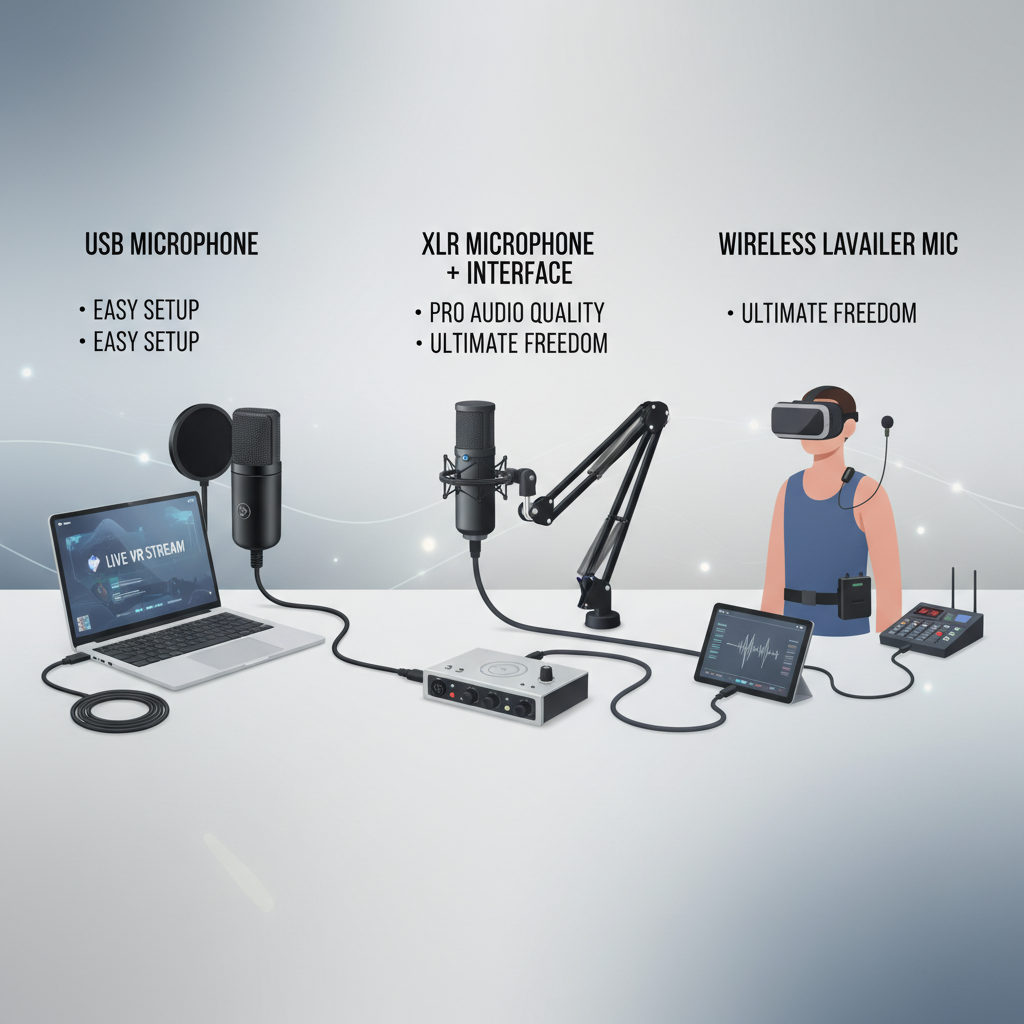
At-a-glance comparison
| Category | Best for | Pros | Tradeoffs |
|---|---|---|---|
| USB dynamic mic on boom | Seated VR, small rooms | Good rejection, simple setup | Distance changes still matter |
| USB condenser mic | Quiet rooms, talk-heavy streams | Detailed voice, plug-and-play | More room noise, more “echo” risk |
| XLR dynamic + interface | Creators who tweak audio | Best control, scalable | More gear, more settings |
| Wireless lavalier | Room-scale VR | Distance stays stable | Battery/connection management |
| Headset mic upgrade/attachment | Minimal gear, active games | Always near mouth | Comfort, cable routing, variability |
My editorial take on “best” categories
- If you do room-scale VR, a well-set wireless lav is often the most “set it and forget it” option, because the mic stays close as you move.
- If you’re seated, a dynamic mic on a boom arm is usually the sweet spot for clean voice without pulling in the whole room.
- If you love dialing in sound, XLR is rewarding, but the jump from “okay” to “great” comes from settings, not from the connector alone.
How to set up your mic so VR movement doesn’t wreck your audio
This is where most streams win or lose. You can buy the “right” mic and still sound rough if you skip the basics.
Placement rules that actually hold up in VR
- Keep distance consistent: aim for a repeatable mouth-to-mic distance, even if that means bringing the mic closer than you think.
- Angle off-axis: point the mic slightly past your mouth to reduce plosives and breath blasts.
- Control the room first: turn off loud fans if possible, close doors, add soft materials near hard walls.
- Use a shock mount if desk vibration is an issue: VR can mean stomps, cable tugs, and controller bumps.
Basic processing that helps without sounding “over-processed”
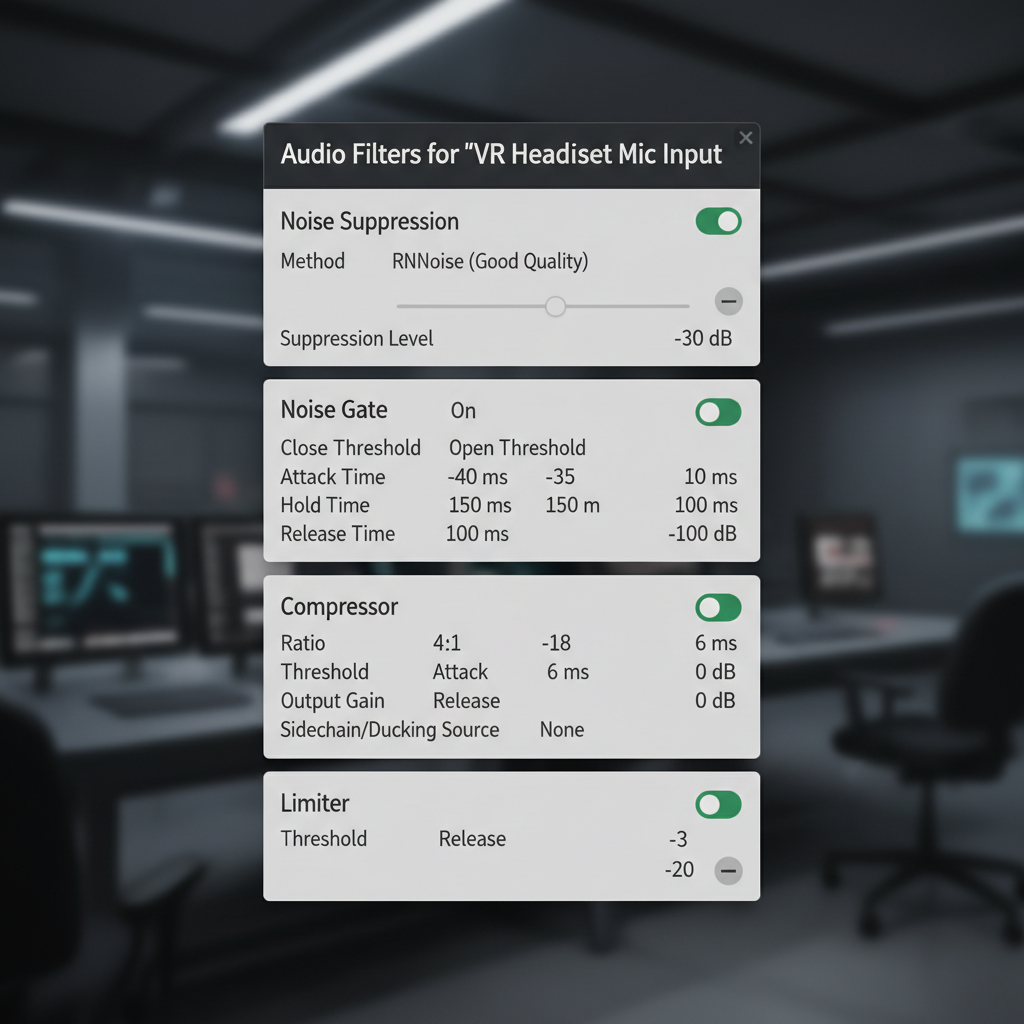
- High-pass filter around 70–100 Hz to reduce rumble and footsteps, the exact point depends on your voice.
- Compression with a gentle ratio (often 2:1 to 4:1) to keep whispers and hype moments closer together.
- Limiter to catch sudden spikes, so you don’t destroy ears when you yell in Beat Saber.
- Noise gate with restraint; if it chops words, back it off and use mild noise suppression instead.
According to NVIDIA, noise removal tools like Broadcast can reduce background noise, but many creators find they sound most natural when suppression stays moderate rather than maxed out.
Real-world scenarios and what to do in each
Here are the patterns that show up again and again when people ask for the best VR microphone for streaming, plus the fix that usually moves the needle.
Scenario A: “My voice fades when I turn my head”
- Switch to a tighter pickup (cardioid dynamic) and move it closer.
- Or go lavalier for room-scale so distance stays stable.
- Add mild compression so small distance changes don’t become huge volume swings.
Scenario B: “I sound echoey in my room”
- Try a dynamic mic before buying acoustic foam; many condensers exaggerate reflections.
- Move the mic closer and lower input gain, that reduces room pickup.
- Add soft materials at first reflection points (curtains, rug, thick blanket), not just random panels.
Scenario C: “Noise suppression makes me sound robotic”
- Reduce suppression strength and fix the source noise (fan curve, PC placement).
- Use a gate only for “dead air,” not as a constant noise eraser.
- Check that you’re not clipping; distortion plus suppression can get ugly fast.
Key takeaways (save this before you shop)
- Room-scale VR: prioritize a mic that stays close to your mouth, usually wireless lav or headset-attached.
- Seated VR: a dynamic mic on a boom arm often beats a sensitive condenser in real rooms.
- Settings matter: limiter + gentle compression typically improves VR streams more than a pricey upgrade.
- Don’t over-suppress: moderate noise removal plus source control sounds more natural.
When you should get extra help (or at least do a deeper test)
If you’re still stuck after basic placement and filters, it may be a signal that something else in the chain is fighting you.
- Unpredictable dropouts with wireless: consider support from the mic manufacturer, interference and channel planning can be environment-specific.
- Persistent distortion even at low gain: you may have a bad cable, driver issue, or incorrect sample rate in your audio stack.
- Severe room echo: a local audio engineer or studio-savvy friend can help identify reflection points fast, without you buying random treatment.
If you suspect hearing or vocal strain because you’re pushing your voice during VR sessions, it’s reasonable to dial back monitoring volume and consider checking with a medical professional, especially if symptoms persist.
Conclusion: picking the best VR microphone for streaming without overbuying
The “best” choice usually comes down to how much you move and how noisy your room feels on mic. If you play room-scale, solve distance first; if you play seated, solve room noise and positioning first. Either way, a simple chain with sensible gain, mild compression, and a limiter tends to deliver the most reliable jump in clarity.
If you want a practical next step, record a 30-second test while doing the exact VR motions you do on stream, then choose your category based on what fails: distance, echo, or noise. That one test prevents a lot of regret purchases.
FAQ
- What is the best vr microphone for streaming if I play Beat Saber and move constantly?
Many people do better with a wireless lavalier or a headset-adjacent mic solution, because it keeps distance consistent while you move. A desk mic can work, but you’ll fight volume swings unless you stay close. - Is a USB mic good enough for VR streaming on Twitch?
Often yes, especially if you’re seated. The bigger win comes from placement and a limiter, not from jumping to XLR immediately. - Dynamic or condenser for VR streaming?
In many bedrooms and apartments, a dynamic mic is more forgiving because it picks up less room sound. Condensers can sound excellent in quieter, treated spaces, but they highlight echo and background noise. - How do I stop breathing and plosives in VR streams?
Angle the mic slightly off your mouth, add a pop filter or windscreen, and avoid cranking gain to compensate for distance. If you’re using a headset mic, a small foam windscreen can help. - Do I need noise suppression like NVIDIA Broadcast?
It depends on your noise floor. It can help with steady fan noise, but heavy suppression may create artifacts, so start mild and fix the noise source where possible. - What audio filters should I use in OBS for VR?
A common “safe” chain is high-pass filter, light compression, then a limiter. Add noise suppression only if you need it, and keep a gate gentle so it doesn’t clip words. - Why does my mic sound fine in Discord but bad on stream?
Discord often applies processing automatically. Your streaming software may be raw audio, or your sample rate and filters differ, so match sample rate across devices and check OBS filter order.
If you’re trying to choose gear fast, focus on your play style first, then pick one category and dial in placement and filters before upgrading again. If you want, share your VR game type, room size, and whether you’re seated or room-scale, and I can suggest a short list that fits your constraints.