
Best meta quest 3 accessories usually come down to three pain points: comfort, battery life, and how “clean” your setup feels after week one.
If you use Quest 3 for workouts, long social sessions, or PC VR, the stock setup often starts to feel like a compromise, not because Meta did anything wrong, but because one headset has to fit a lot of head shapes and play styles.
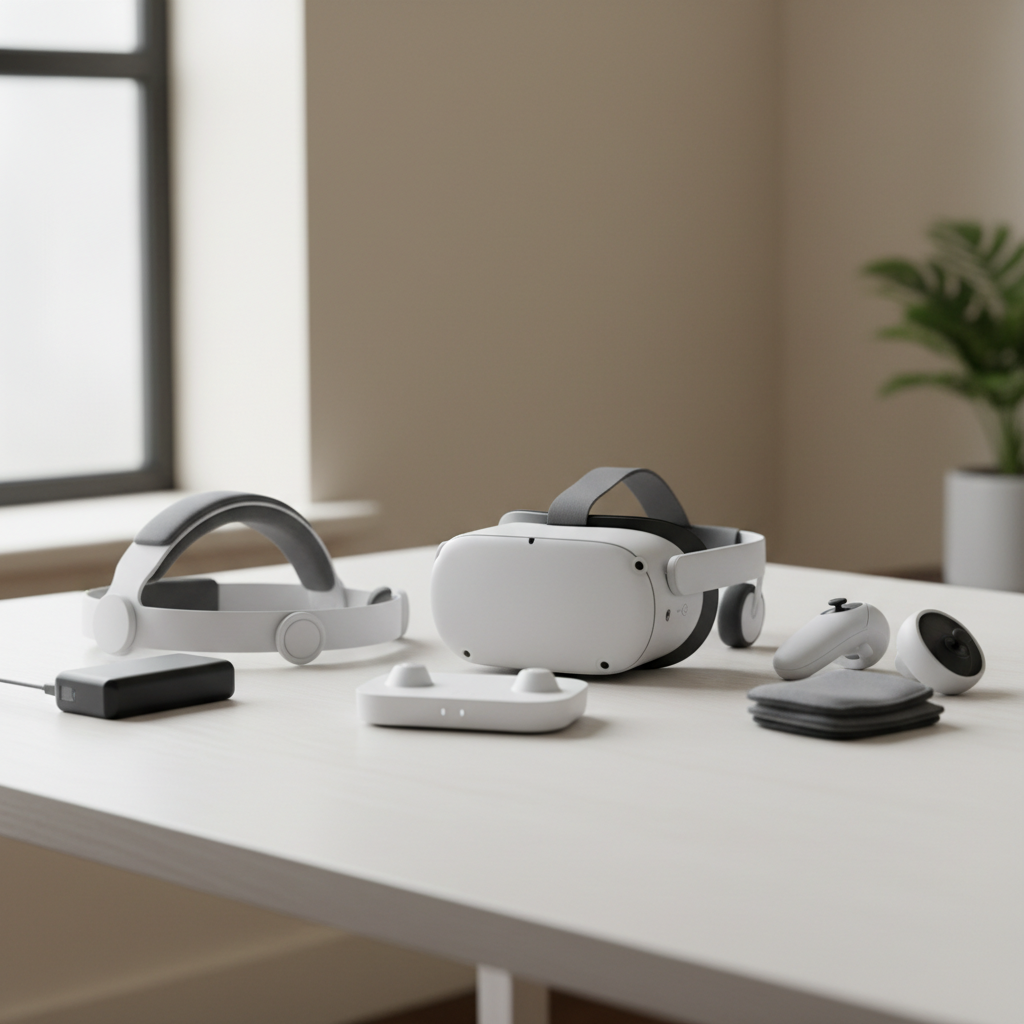
This guide keeps it practical, what to buy for your situation, what to skip, and how to avoid the classic mistakes like stacking heavy add-ons that make the headset feel worse.
How to choose Quest 3 accessories without wasting money
Before you shop, decide what problem you’re solving, because “best” changes fast depending on whether you play rhythm games, travel, or mostly do PC VR. I’d group purchases like this:
- Comfort & fit: head strap, facial interface, counterweight choices
- Power & charging: battery strap or battery bank, dock, spare cable
- Control & immersion: controller grips, knuckle straps, audio solutions
- Protection & travel: case, lens protection habits, cleaning tools
- PC VR: dedicated Link cable or Wi‑Fi/ethernet upgrades
Also check compatibility. Quest 3 accessories can look similar to Quest 2 parts, but facial interfaces and straps often differ in shape, mount points, and depth.
Quick self-check: which setup are you building?
If you’re unsure where to start, use this checklist, it tells you what will make a noticeable difference fastest.
- You get forehead pressure or red marks: prioritize a better strap and facial interface
- You quit sessions early because the battery dies: prioritize a battery strap or a reliable battery bank
- Your hands feel tired or you loosen grip mid-game: prioritize controller grips with knuckle straps
- You play Beat Saber, boxing, fitness: prioritize sweat-friendly face pads and washable materials
- You mostly do PC VR: prioritize stable networking or a quality Link cable
- You travel or share the headset: prioritize a case and hygiene-friendly face interface
Once you pick your “primary pain,” it’s easier to avoid buying five small upgrades that barely move the needle.
The short list: best Meta Quest 3 accessories by category (2026)
Here’s the selection logic I recommend in 2026: buy one strong comfort upgrade, one power/charging solution, then layer in control and protection as needed. According to Meta, it’s important to keep play areas clear and use wrist straps for controller safety, so grips and straps aren’t just a luxury if you play actively.
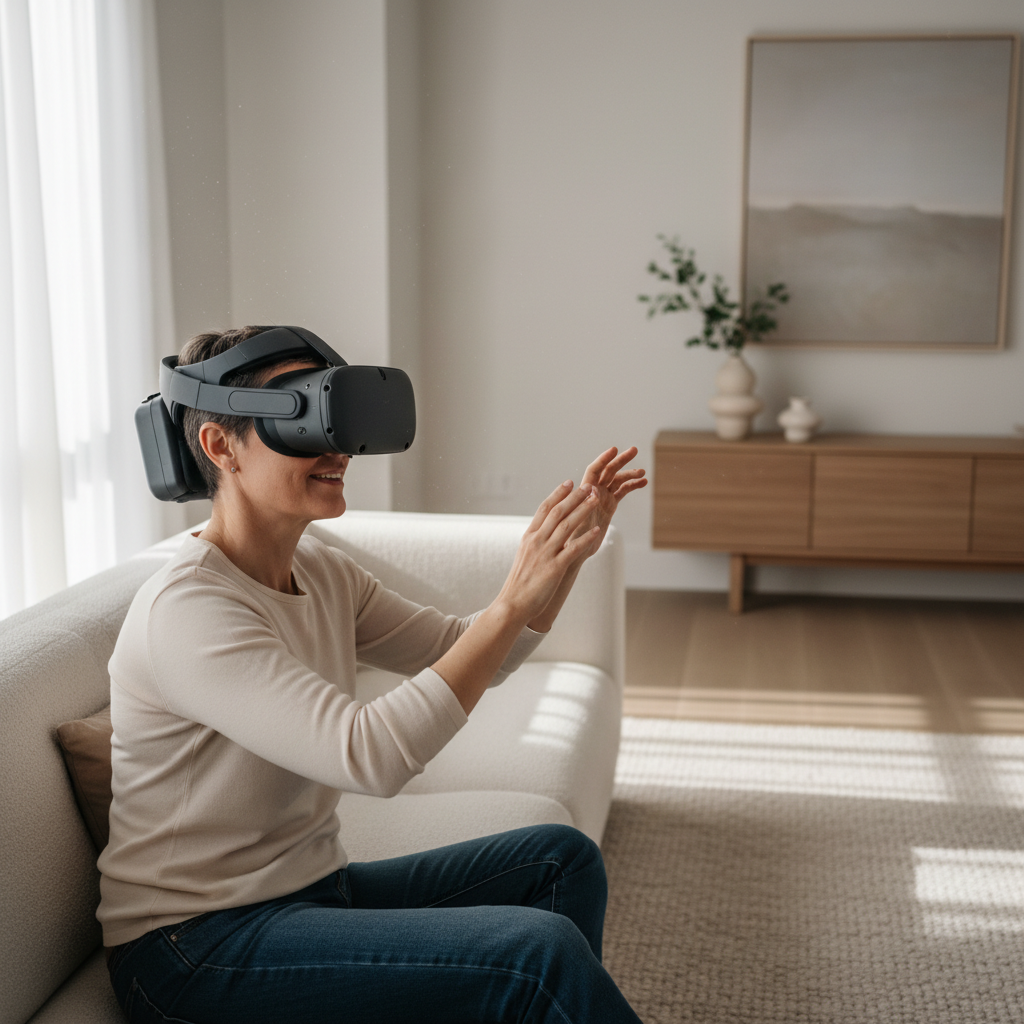
Comfort essentials (where most people feel the upgrade)
- Upgraded head strap (rigid or halo style): better weight distribution, less face pressure, steadier visuals
- Facial interface replacement: improved fit, better light blocking, easier cleaning, often more comfortable foam or silicone options
- Top strap add-on (for soft straps): a small change that can stabilize the headset, especially for quick movements
Practical note: comfort upgrades are the easiest way to make Quest 3 feel “custom-fit,” but avoid going too heavy in front, it can increase neck fatigue in longer sessions.
Battery and charging (for longer sessions and less cable chaos)
- Battery head strap or rear battery mount: extends play time and adds counterbalance
- Charging dock: reduces daily friction, encourages consistent charging habits
- Quality USB-C cable: for charging and data, ideally one you won’t mind leaving plugged in
Many people buy a battery bank first, then realize the cable flopping around is annoying. If you do handheld battery packs, route the cable so it doesn’t pull on the headset during movement.
Controller grips and straps (more security, less hand strain)
- Knuckle straps: you can open your hands without dropping controllers, helpful in active games
- Grippy silicone grips: better hold when your hands sweat, less “micro-slipping” mid-swing
- Replacement wrist straps (if yours wear out): simple, but for some households it matters
Look for grips that still allow battery access and don’t block tracking surfaces. If a grip makes battery swaps painful, you’ll resent it fast.
Audio upgrades (when the built-in sound isn’t enough)
- Low-latency earbuds: a clean option for shared spaces, typically better bass and clarity
- On-ear headphones with short cable: good for immersion, but watch comfort and heat
Wireless audio can work, but latency varies by codec and device. If rhythm timing matters, wired often feels more consistent.
Protection and hygiene (the unglamorous stuff you’ll be glad you bought)
- Hard or semi-hard carrying case: protects lenses and straps, especially for travel
- Lens cleaning kit: microfiber cloth, air blower, gentle routine
- Hygiene-friendly face pad: useful for workouts or shared use
According to Meta’s safety guidance, you should avoid direct sunlight on VR headset lenses, so a case or lens cover is more than “nice to have” if you move the headset around near windows.
Comparison table: which accessory type matches your use case?
This table isn’t brand-specific on purpose, because “best meta quest 3 accessories” depends more on design choices than logos.
| Use case | Top priority | Accessory type to buy first | What to avoid |
|---|---|---|---|
| Long VR sessions | Comfort + battery | Battery head strap | Front-heavy add-ons |
| Fitness and sweating | Hygiene + stability | Washable facial interface + grips | Absorbent foam you can’t clean |
| Shared family headset | Quick adjust + clean | Easy-adjust strap + wipeable face pad | Complicated straps that don’t resize fast |
| PC VR (Link) | Stability | Quality Link cable or network upgrades | Cheap long cables with dropouts |
| Travel and storage | Protection | Carrying case | Loose storage near sunlight |
Setup tips: get the benefit without making the headset worse
Accessories can improve the experience, but stacking too many can create new problems, extra weight, heat, or tracking issues. Here are the tweaks that tend to matter most.
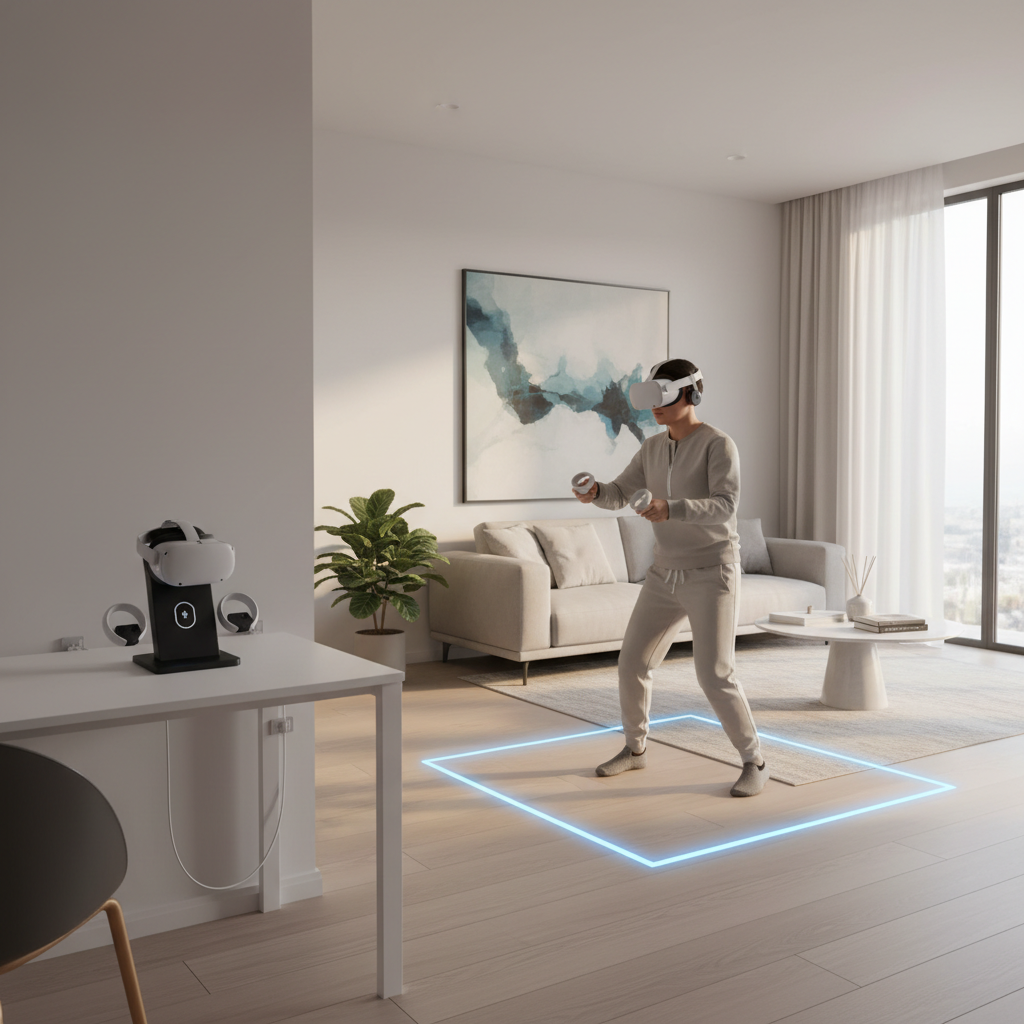
Dial in fit before you judge comfort
- Set the headset height so the image looks sharp without pressing into your cheeks.
- Tighten just enough to stop wobble, then use top-strap tension to stabilize instead of over-tightening the face seal.
- If you use a battery strap, aim for a balanced feel, not a “clamped” feel.
Battery strategy that fits your routine
- Daily short sessions: a dock might improve consistency more than extra capacity.
- Long sessions: a battery strap or rear-mounted pack keeps cables out of the way.
- Travel: a slim power bank plus short cable works, but store it so the cable doesn’t stress the USB-C port.
Port strain is real. If you feel the USB-C connector getting bumped during play, reconsider the routing or use a right-angle connector designed for the headset.
PC VR stability: don’t ignore your network
If you play wirelessly from a PC, the “accessory” upgrade might be your router placement or an ethernet run to your PC. Many performance complaints that sound like headset issues are actually Wi‑Fi congestion or a router in the wrong room.
- Place the router closer to the play space, line-of-sight helps in many homes.
- Prefer a less-crowded band if your router supports it, and keep firmware updated.
- If you use a Link cable, choose a length and flexibility that won’t tug during turns.
Common mistakes (and how to avoid them)
- Buying comfort parts before checking fit: sometimes it’s strap adjustment and facial interface sizing, not “bad stock hardware.”
- Overbuilding the headset: too many add-ons can add heat and weight, then you stop using VR.
- Ignoring hygiene: for workouts or shared use, washable materials matter more than premium foam.
- Chasing “pro” audio at any cost: big headphones can break immersion if they shift or squeeze, especially with certain straps.
- Storing the headset near sunlight: lens damage can happen quickly, a case and good habits help.
If you’re shopping for best meta quest 3 accessories, think “one upgrade that fixes your biggest annoyance,” then reassess after a week.
When it’s worth getting expert help or checking official guidance
If you experience persistent neck pain, headaches, or eye strain, it’s smart to pause and reassess your setup. Those symptoms can come from fit, lens spacing habits, session length, or pre-existing issues, and the right answer varies by person. According to the American Academy of Ophthalmology, comfort and visual strain concerns are a good reason to take breaks and seek professional advice if symptoms persist, especially if you have underlying eye conditions.
For safety questions, start with Meta’s official support and safety documentation, then escalate if you suspect hardware damage, battery swelling, or overheating. In those cases, stop using the device and contact the manufacturer or a qualified technician.
Conclusion: what to buy first in 2026
If you want a simple plan, start with a comfort upgrade and a power plan, then add grips if you play active games. That combo covers what most people actually complain about after the honeymoon week.
Your “best meta quest 3 accessories” list should feel boring in a good way, fewer hassles, less fiddling, more time in VR. Pick one change, set it up carefully, then decide what still feels off.
Key takeaways
- Comfort comes first for most users, strap and facial interface deliver the biggest day-to-day win.
- Battery solutions should reduce friction, not add cable clutter or port strain.
- Grips and straps are underrated if you play fitness or fast motion games.
- Protection isn’t optional if you travel or store near windows, keep lenses away from sunlight.
If you’re building a shopping list, write down your top annoyance, then buy only the accessory that directly fixes it. You can always add the fun extras later.