
best vr driving sim 2026 is a search you make when flat-screen racing stops feeling “real,” but you also don’t want to blow a weekend (and a paycheck) chasing the wrong combo of game, headset, wheel, and PC settings.
The tricky part is that “best” usually means different things: competitive online racing, casual cruising, drifting, rally stages, or just a cockpit you can get lost in. VR also adds a layer of comfort and performance tuning that normal sim guides skip.
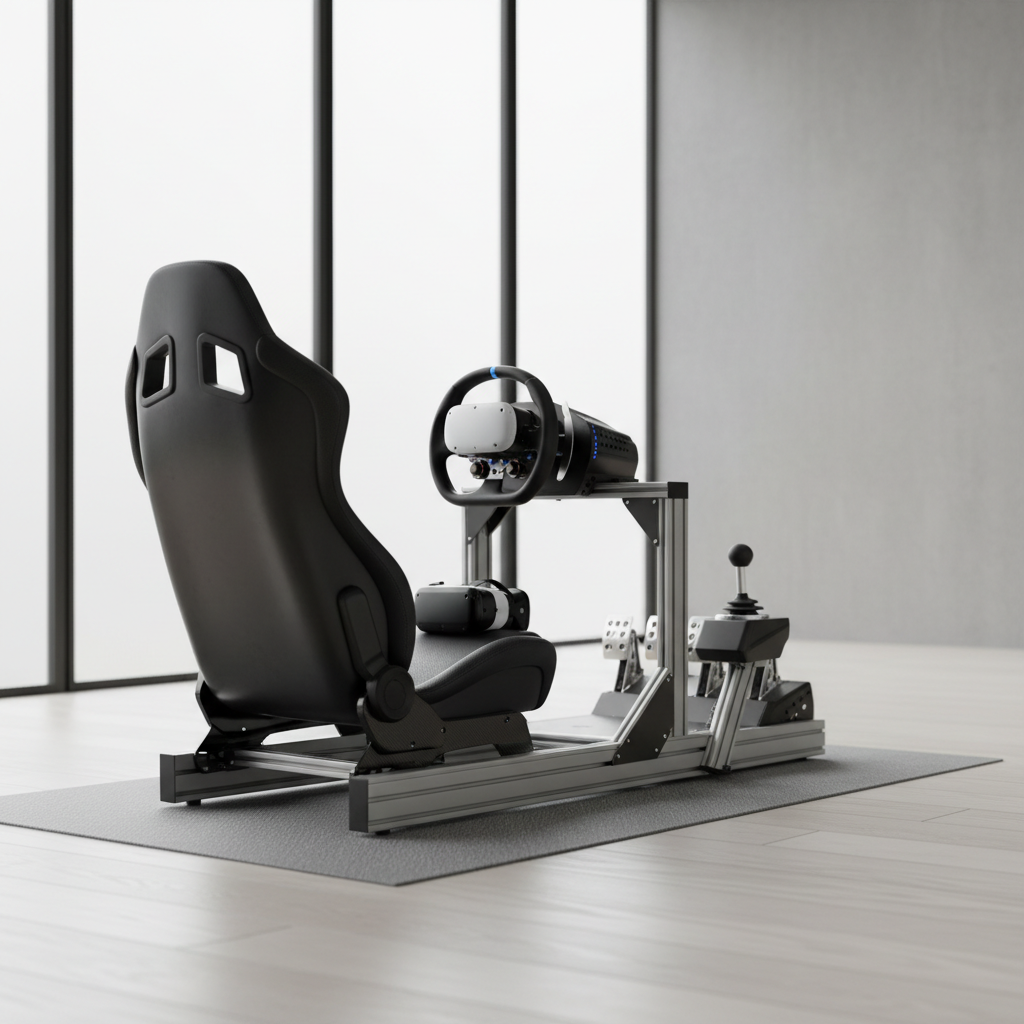
This guide narrows the field in a practical way: what to buy or install for your goal, what hardware matters most, and the settings that usually fix stutter, blur, and motion discomfort. No “one sim to rule them all,” just clear matches.
What “best” means in a VR driving sim (and why people disagree)
Most arguments about VR racing come from people optimizing for totally different outcomes. Before you read any ranking, pick your main priority and accept the trade-offs.
- Pure realism and car feel: you’ll care about tire model, force feedback detail, and consistent physics more than flashy environments.
- Online competition: you’ll care about matchmaking, safety systems, ranked play, and stable multiplayer.
- Content and variety: you’ll care about car/track count, mods, community leagues, and long-term replay value.
- VR comfort: you’ll care about stable frame rate, predictable camera behavior, and readable dashboards in-headset.
According to the U.S. Department of Transportation (NHTSA), using VR while driving in the real world is unsafe and illegal in many contexts; treat VR driving sims as an at-home entertainment setup, seated, with a safe play space.
Top picks for the best VR driving sim 2026 (by use case)
If you want a quick shortlist, start here. These aren’t the only good options, but they’re common “safe picks” in the U.S. market because they’re supported, actively played, and generally workable in VR with the right settings.
| Use case | Good fit | Why it’s popular in VR | Watch-outs |
|---|---|---|---|
| Ranked online GT racing | iRacing | Strong multiplayer structure, serious racing culture, dependable cockpit view | Subscription + paid content adds up, learning curve is real |
| Modern GT / endurance vibe | Assetto Corsa Competizione | Immersive GT cars, great audio and atmosphere, strong league scene | Can be demanding on GPU/CPU in VR, needs careful settings |
| Mods, variety, “VR car museum” | Assetto Corsa (classic) | Huge mod ecosystem, flexible, lots of lightweight content for smoother VR | Quality varies by mod, setup takes tinkering |
| Rally stages in VR | Dirt Rally 2.0 (if supported on your setup) | Intense immersion, great sense of speed and terrain | Comfort can be tough for some players, interface can feel dated |
| Polished simcade + broad cars | Project CARS 2 (legacy pick) | Good VR performance for many rigs, broad disciplines | Older ecosystem, availability varies by storefront |
Where this lands for most people: if you want competitive racing, iRacing tends to be the “buy once, cry often” answer. If you want immersion in GT and don’t mind tweaking, ACC can be your favorite. If you want endless experimenting, classic Assetto Corsa is hard to beat.
Quick self-check: which sim fits you in 3 minutes?
Answer these honestly. Your choices usually point to a clear winner without overthinking it.
- I want structured online racing and I’m okay paying for a serious hobby → lean iRacing.
- I mainly drive GT3/GT4 and want modern presentation → lean ACC.
- I love tweaking, mods, and weird builds (street cars, touge, cruising servers) → lean Assetto Corsa.
- I get motion discomfort easily and need the smoothest experience → lean toward lighter titles/content and conservative settings, often Assetto Corsa with optimized tracks/cars.
- I already own a midrange PC and don’t want upgrades → avoid the most demanding VR configurations, pick what you can run at stable frame rate.
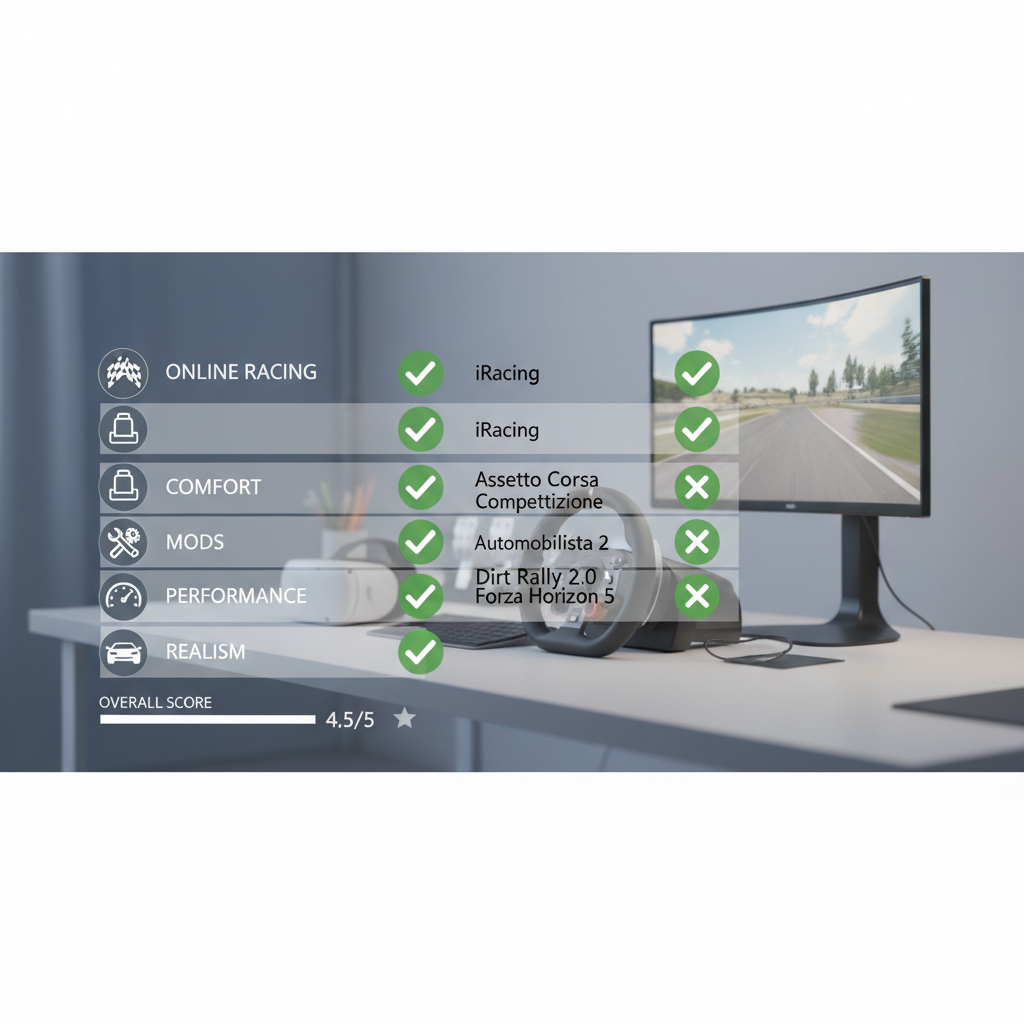
If you’re split between two options, don’t force it: pick based on what you’ll do most nights. The “best vr driving sim 2026” for you is the one you actually launch, not the one that wins forum arguments.
Hardware that matters most (headset, wheel, PC) and what to skip
VR racing can be deceptively expensive because small bottlenecks stack up. If you’re prioritizing spend, these are the parts that usually change the experience the most.
1) Frame rate stability beats raw resolution
In VR, smoothness is comfort. A slightly blurrier image that holds steady often feels better than a sharp image that drops frames. Many headsets and runtimes use reprojection/ASW-type techniques, which can help, but you still want consistent performance.
2) Wheel + pedals: midrange feels “real” faster than a new headset
A decent force feedback wheel and pedals often improves immersion more than chasing the newest optics. Load-cell pedals are a common upgrade path because they help consistent braking, which helps lap times and confidence.
3) CPU matters in multiplayer and dense grids
Lots of AI cars or big online grids can become CPU-limited even if your GPU looks fine. If your sim stutters at race start or near crowds, that’s a common clue.
What to skip at first
- Motion rigs: fun, but they add complexity and can make comfort harder for many people.
- Ultra-wide monitors “for VR”: nice for menus and replays, but they won’t fix headset clarity or performance.
- Maxing graphics sliders: in VR it’s usually the wrong flex; tune for readability and stability.
Settings that usually fix “VR looks bad” (without hours of tinkering)
Most complaints about VR driving sims come down to three things: blur, shimmer, and stutter. You can usually improve all three with a small set of adjustments.
- Start with a stable target: pick a refresh rate you can hold consistently, then tune graphics to match.
- Prioritize clarity where you look: increase render scale or supersampling carefully, but cut heavy effects first.
- Turn down the usual VR killers: shadows, reflections, volumetrics, and high mirror quality tend to be expensive.
- Use simpler antialiasing if needed: shimmering can distract in cockpits and trackside fencing; test options in a repeatable scene.
- Reduce background load: close overlays and recorders when troubleshooting, then add them back one by one.
One practical tip: test in the same car, same track, same weather, same time of day. Otherwise you’ll “optimize” forever and never know what changed.
Comfort and safety: avoiding motion sickness and bad habits
VR racing can trigger discomfort, especially with heavy braking, bumps, or fast head movements. If you’re prone to motion sickness, go slower than your ego wants.
- Keep camera behavior predictable: lock horizon options can help some people, while others prefer fully natural head movement, so test both.
- Short sessions work: 10–20 minutes, break, then return often beats pushing through.
- Dial down intensity early: start with slower cars and wider tracks, add speed once comfort builds.
- Pay attention to heat and hydration: overheating in a headset can worsen nausea for many players.
According to the American Academy of Ophthalmology, VR use can contribute to eye strain for some people; if you notice persistent headaches, vision changes, or dizziness, pausing use and consulting a qualified clinician is a sensible call.
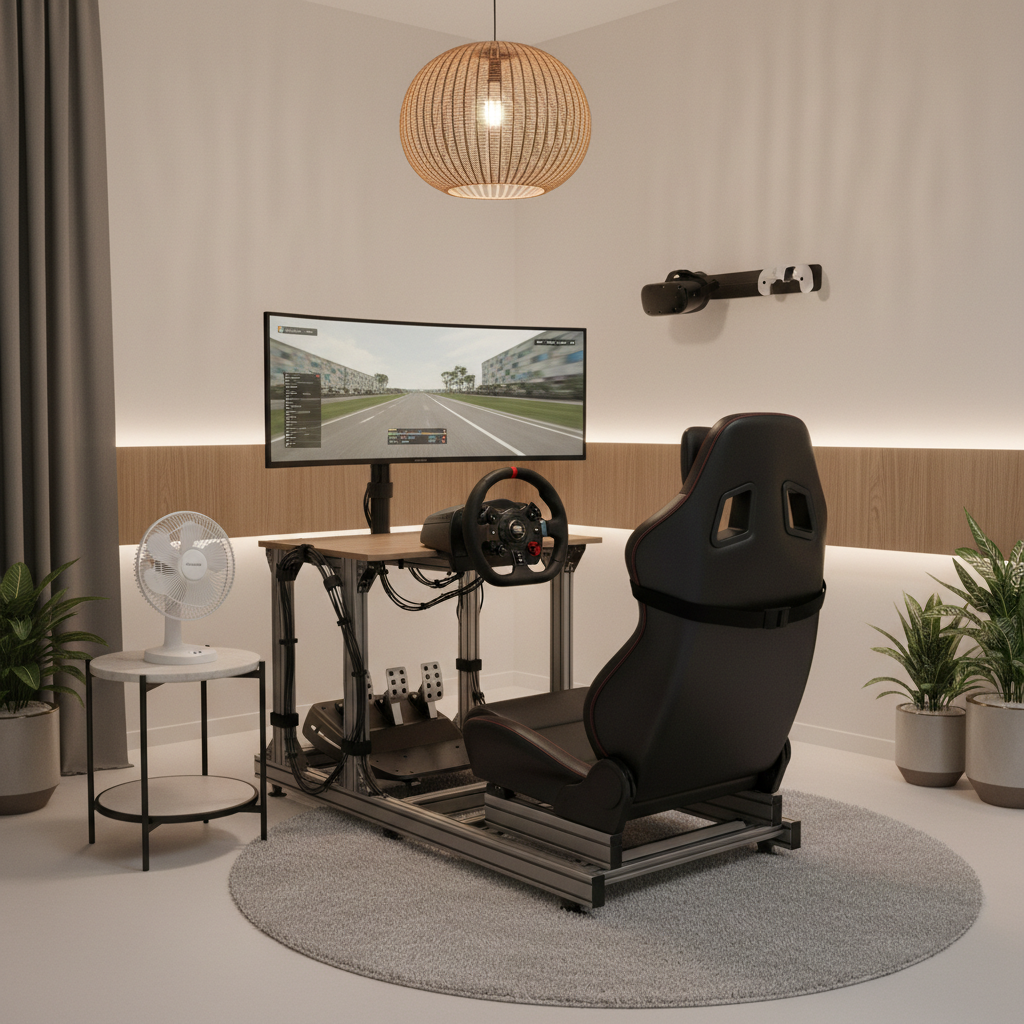
Also, don’t train bad real-world habits. Sim racing can improve coordination, but it can also normalize risky behavior if you treat it like real driving practice. Keep it as a game, and keep your real driving separate.
Practical setup plan: get racing in one evening
If you want a simple path to a solid baseline, this is the order that tends to save time and frustration.
- Pick one sim and run it stock in VR before adding mods, reshades, or overlays.
- Calibrate wheel and pedals inside the sim, then set force feedback conservatively to avoid clipping and fatigue.
- Lock a performance baseline on a representative track with a small grid, then increase opponents and weather gradually.
- Adjust readability next: dashboard text, mirror clarity, and braking markers matter more than ultra textures.
- Only then add extras: mods, custom HUDs, telemetry apps, button boxes.
Key takeaway: the “best vr driving sim 2026” experience is usually built, not bought, and the build starts with stability and comfort, then realism.
Conclusion: choosing the best VR driving sim 2026 without regret
The smart move is matching the sim to your main use case, then building a stable VR baseline before you chase visuals. If you crave ranked competition, iRacing often fits. If modern GT immersion is your thing, ACC can shine with the right tuning. If you want the widest playground, Assetto Corsa still earns its place.
If you do one thing today, make it this: pick your priority, test a single track with repeatable settings, and aim for comfort-first smoothness. That’s what keeps VR racing fun past the first week.